Step-by-step guides and how-to articles
71 articles
A step-by-step path for organizers: sign up, pick a plan, keep or upload each session, publish it on your site, sell access and embed the player.
The steps for a music teacher to sell recorded lessons through DCAST: sign up, choose a plan, upload, set up your site, set access and embed the player.
A step by step path for a church to keep sermons in one DCAST library, from sign-up and plan to embedding the player on sermon pages.
A step-by-step path for sellers: keep your videos, rebuild your storefront, restore buyers' access and replace the links that stop working.
A step-by-step path for Vimeo On Demand sellers: save what Vimeo lets you export, then set up a DCAST account with access keys, pay-per-view, subscriptions, a creator site and in-player checkout.
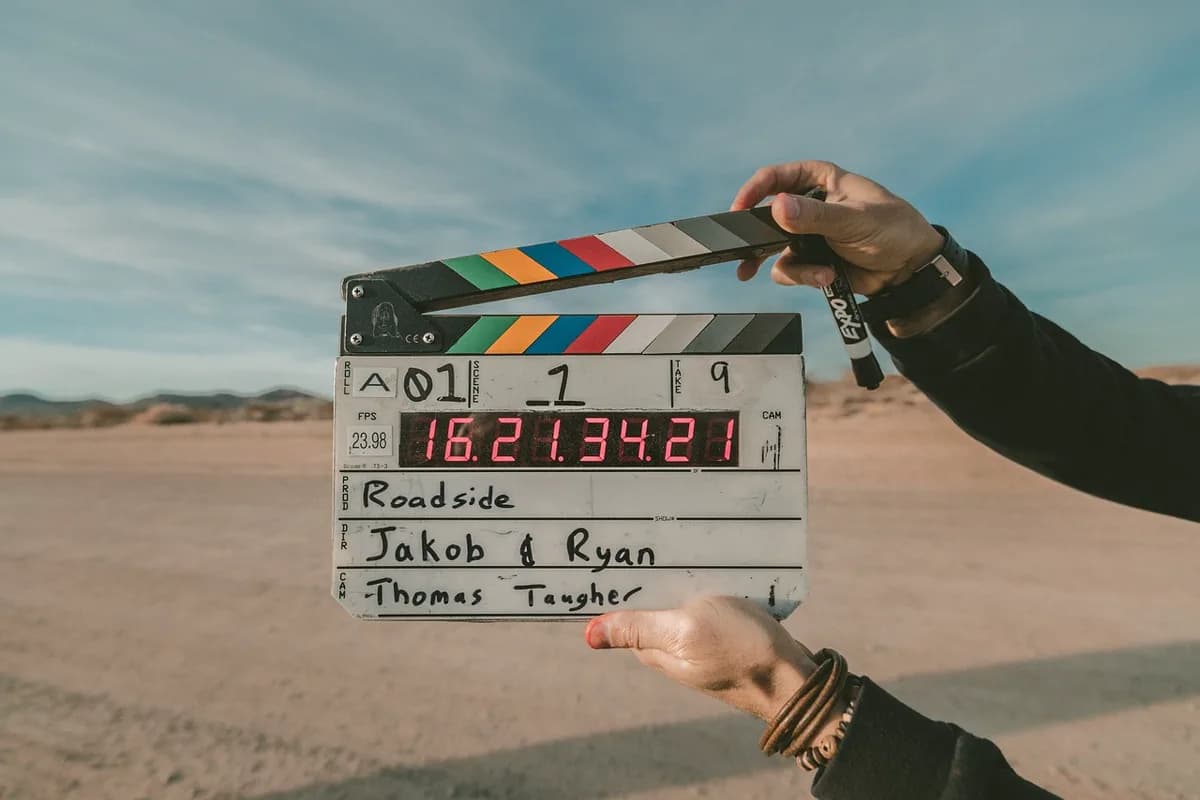
A step-by-step path for filmmakers: sign up, check your plan, upload or import the film, publish a creator site, set paid access and embed the player.
Sign up, check your plan, connect an assistant, open a room for your guests, keep the recording and embed the player on your own site.
A step-by-step path for teachers, coaches and studios to sell access to live classes and recordings from their own site.
A step-by-step path for a club, school team or league: sign up, check your plan, create a stream, embed the player, restream to social platforms and keep each game as a recording.
A step by step path for church teams: sign up, check your plan, create a live stream, go live, embed the player, restream, add languages and keep recordings.
The steps to broadcast a conference or a ceremony through DCAST: account, plan, live stream, embedded player, quality levels, backup feed and restreaming.
A step-by-step path for a newsroom or an independent journalist: sign up, check your plan, create the stream, embed the player, add a backup feed and keep recordings.
A step-by-step path for sending one broadcast to several platforms with DCAST: account, plan, destinations, code control, assistant connection and website embed.
How a creator, a church, a town or a small team runs an online TV channel with a weekly program schedule, live programs that last for hours and recorded shows that fill the time between them.
Learn how the DCAST video MCP connector links an AI assistant such as Claude to your library, which access you grant and how to remove the connection safely.
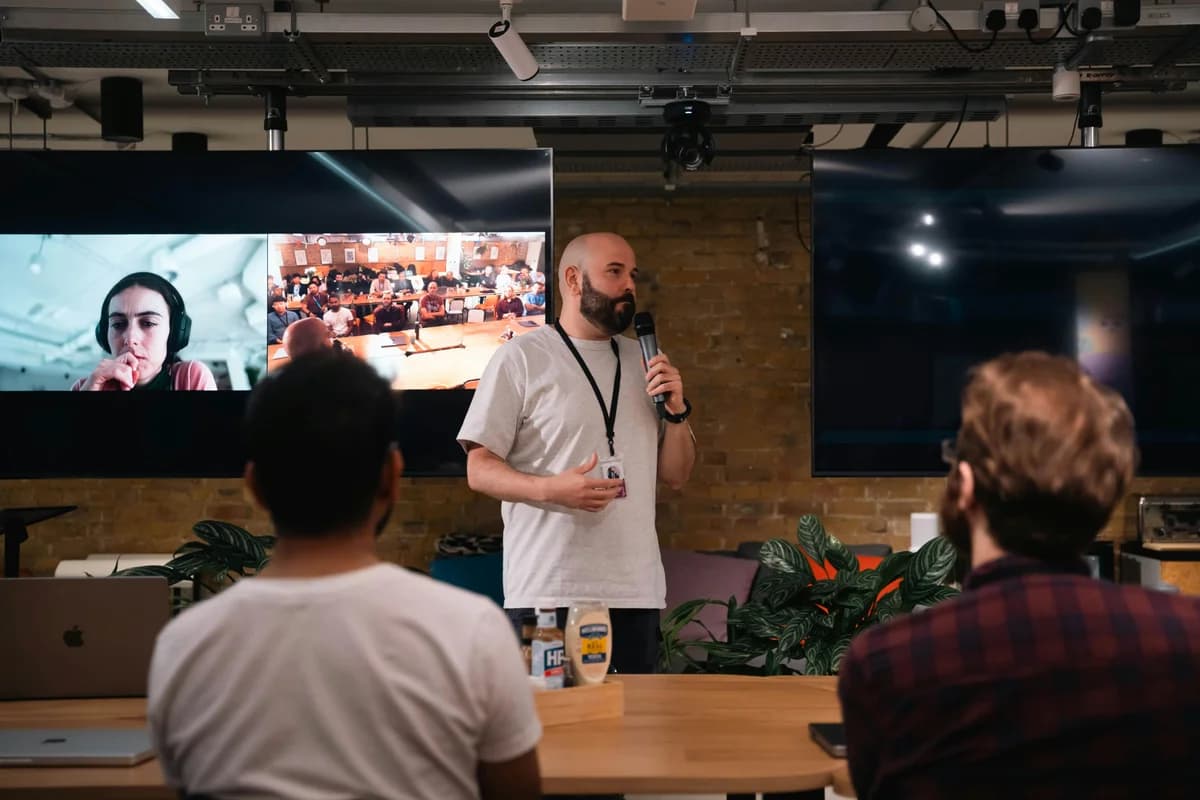
How an event or AV production company plans the live stream of a client's conference, launch or gala, from the brief and the venue check to the backup feed, the language tracks and the hand-over.
How to broadcast a wedding, a birthday or a baby shower so that relatives far away follow the whole day from one link, with the sound, the connection and the full length planned in advance.
Learn how your own code can upload videos, list a library, place players and start live broadcasts through the DCAST API, with checks to run first.
What a developer should compare in a video API for live and on-demand video, from billing and ingest to embedding and the work that stays on your side.
How to measure the upload you really have, how wired, Wi-Fi and cellular links behave under a crowd, how bonding combines connections, and how to plan a backup.
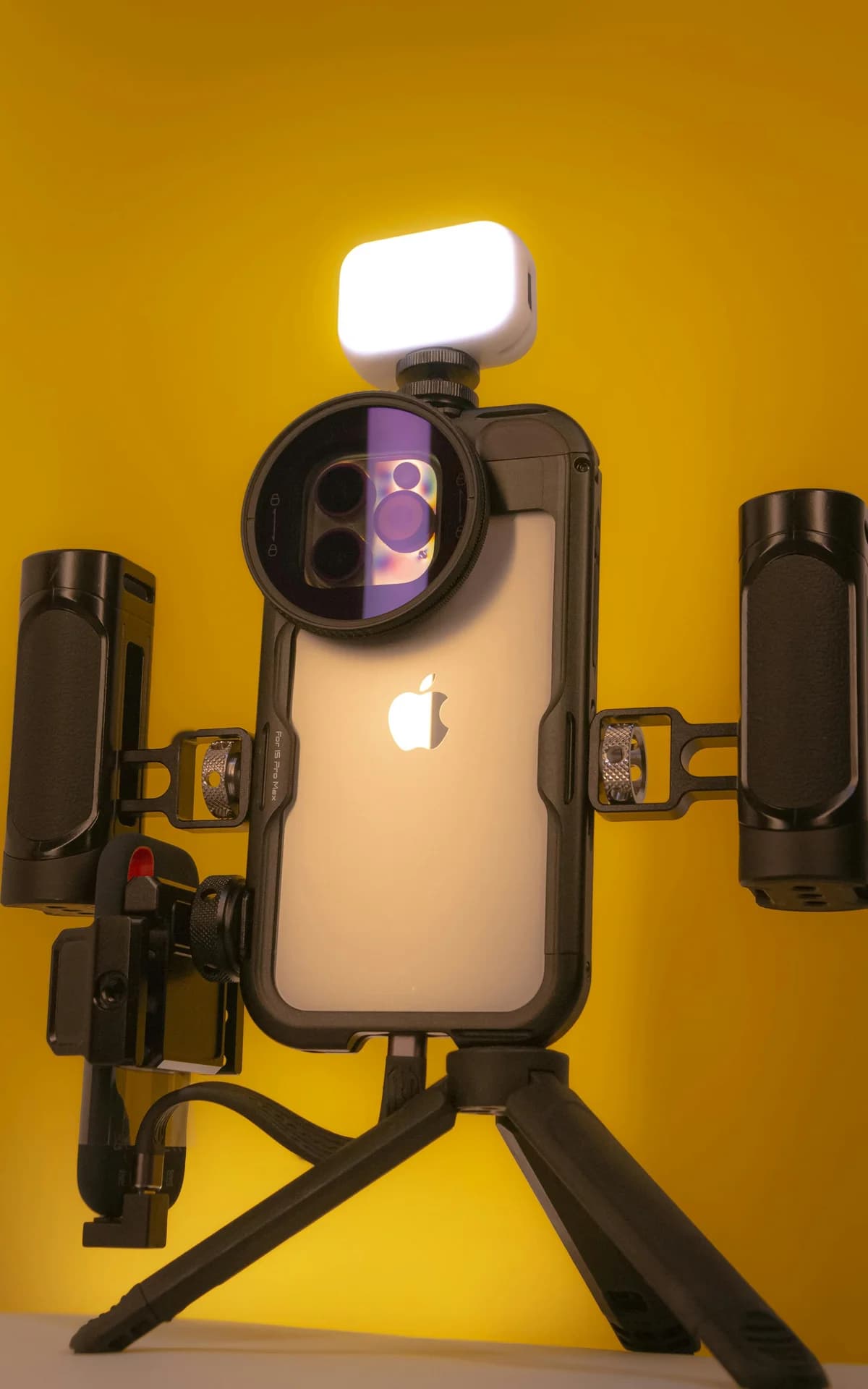
When a remote-controlled camera makes sense, what to compare before you buy, how to connect picture, power and control, and how to plan presets one operator can run.
Where the common frame rates come from, how mains lighting and shutter speed decide flicker, how to keep one rate through the chain, and how to stop interlace combing.
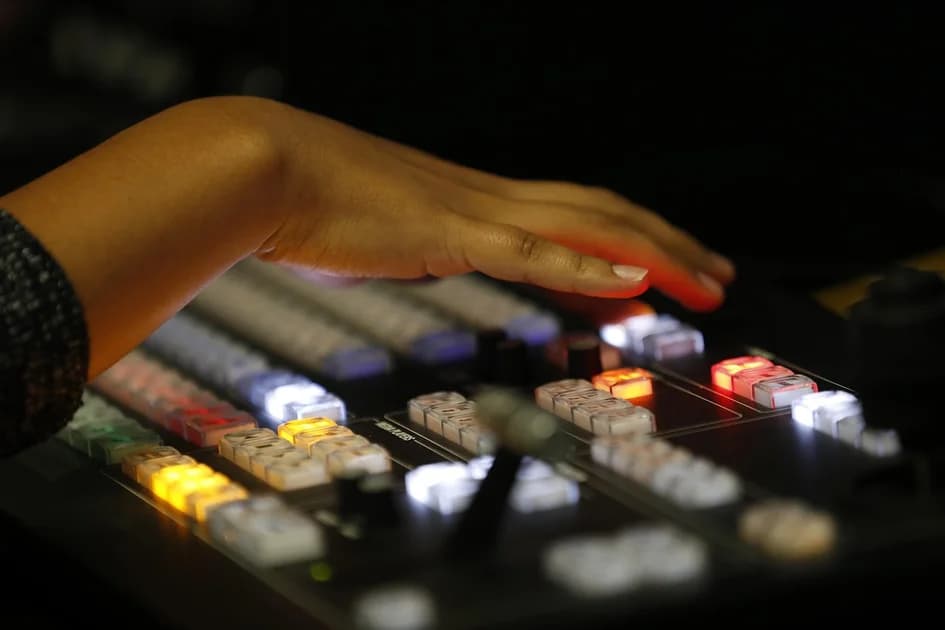
From keyboard hotkeys to button panels, control software, sequences and triggers: how one operator automates a live show without surprises on air.
What a streaming server really has to do beyond accepting a stream, what self-hosting costs in bandwidth, processing and on-call time, and when each choice is the right one.
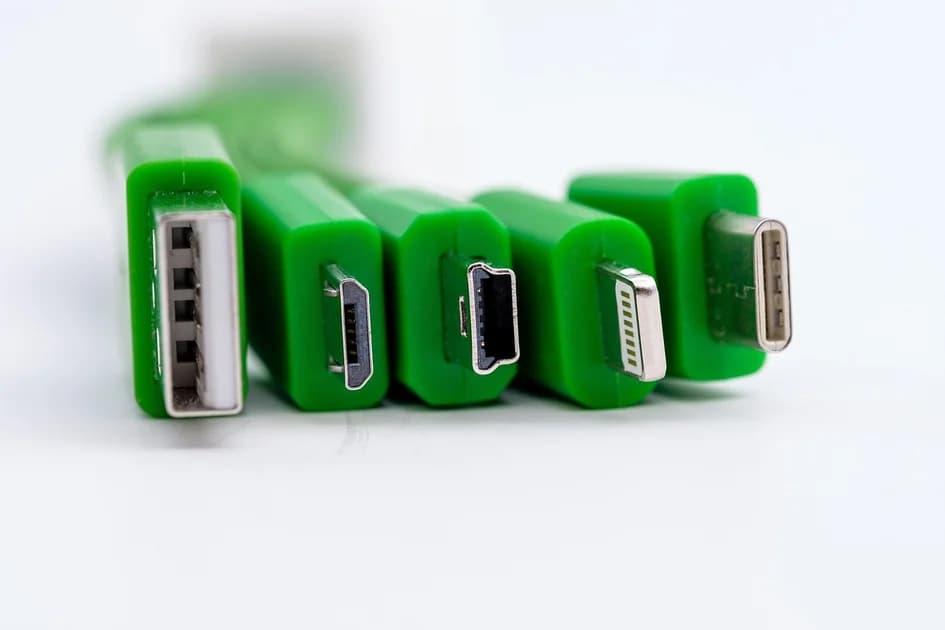
A short checklist for the moment a webcam, capture device or audio interface is plugged in and your streaming software still shows nothing.
How live graphics get on top of the picture, how to feed names and scores from a spreadsheet or a scoring system, and how to keep them readable.
USB or internal, uncompressed or MJPG, capture versus passthrough formats, drivers and inputs: what decides whether a capture card is right for your stream.
How NDI carries live video over an ordinary network, full NDI versus NDI HX, what your switch and cabling must handle, and where NDI hands over to a streaming protocol.
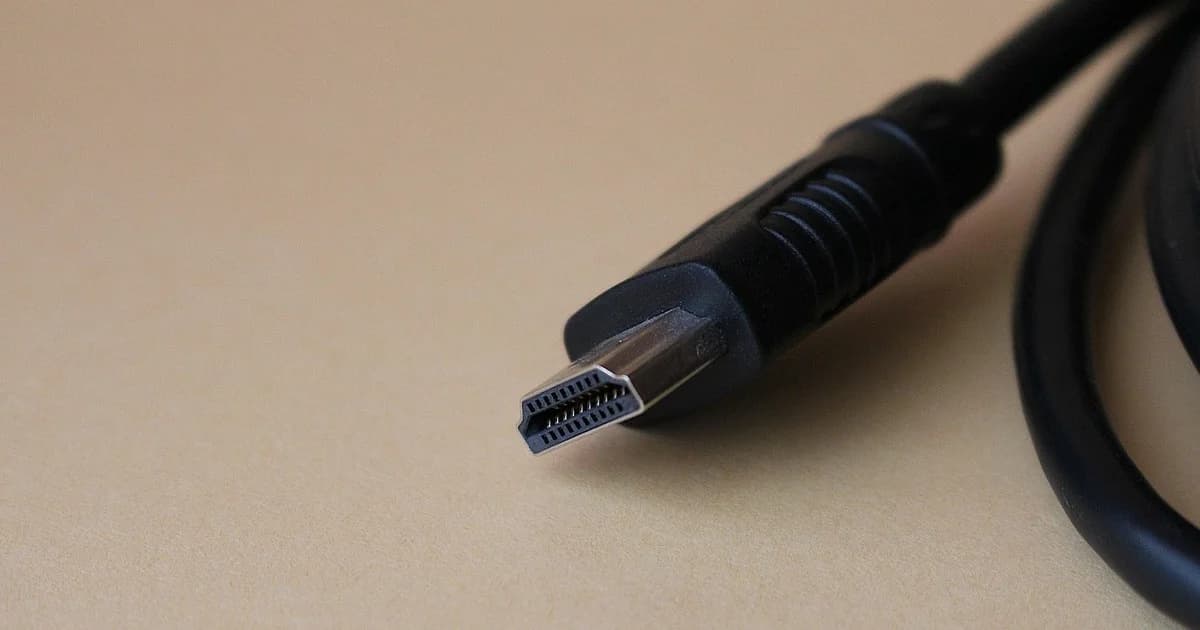
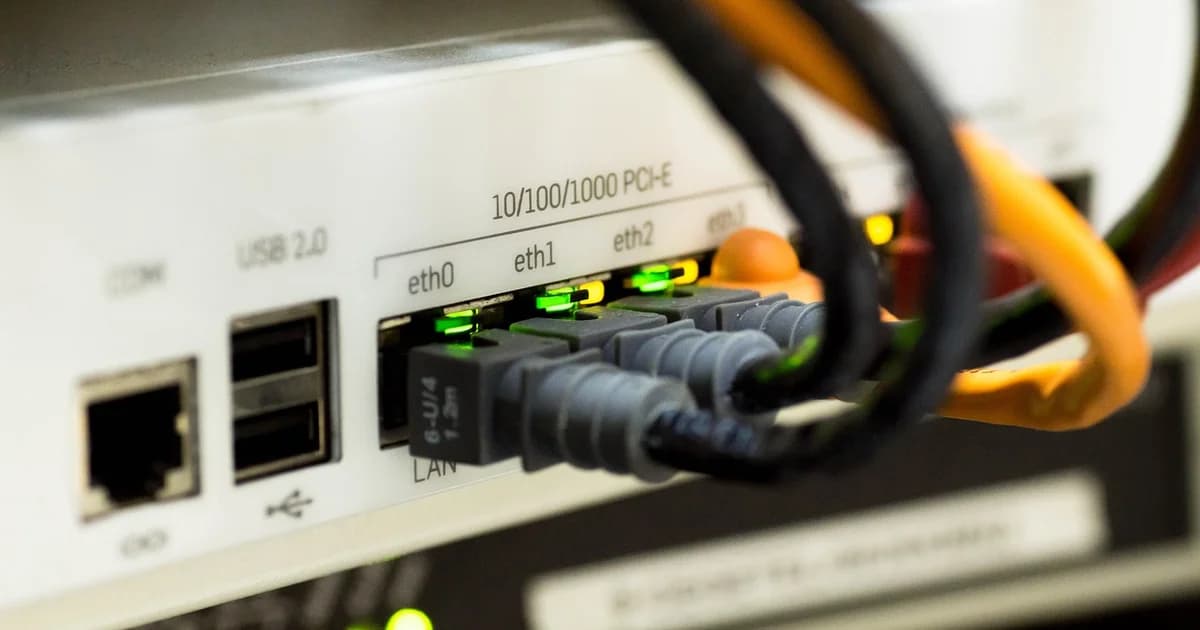
Which cable, extender or converter carries a camera picture across a venue, where each option stops working, and why EDID can black out a healthy cable.
How to broadcast straight from the browser on your phone or computer: when it is the right tool, how to set it up, how to get a good picture and what happens when the connection drops.
Install the app, add a folder, choose four settings. Then the details that matter later: duplicates, errors, restarts and who can watch your videos.
Configure a second encoder in OBS, vMix or Larix, point it at your stream's Backup URL, and rehearse the failover before the event.
Add a language in the Feeds tab, hand the interpreter a key, and send their audio from OBS, vMix or Larix — with the settings that work.
Where the language button is, what Original means, and what to do if the language you picked is quiet — a viewer's guide to multilingual DCAST live streams.
Roles, equipment, return feeds, a rehearsal timeline and an event-day checklist for a live event interpreted into several languages.
Mix-minus is one idea, not a technique: every participant must hear everything except themselves. Here is the table of who hears what, the difference between a routing loop and room spill, and the three faults that cover almost every case.
Run through audio, video, access, branding, and go-live checks before your corporate webinar starts. Interactive checklist for hosts and producers.
Creator economy trends for 2026: what is changing in monetization, distribution, and creator operations.
How to create a high-quality video podcast in 2025 with practical production, editing, publishing, and distribution guidance.
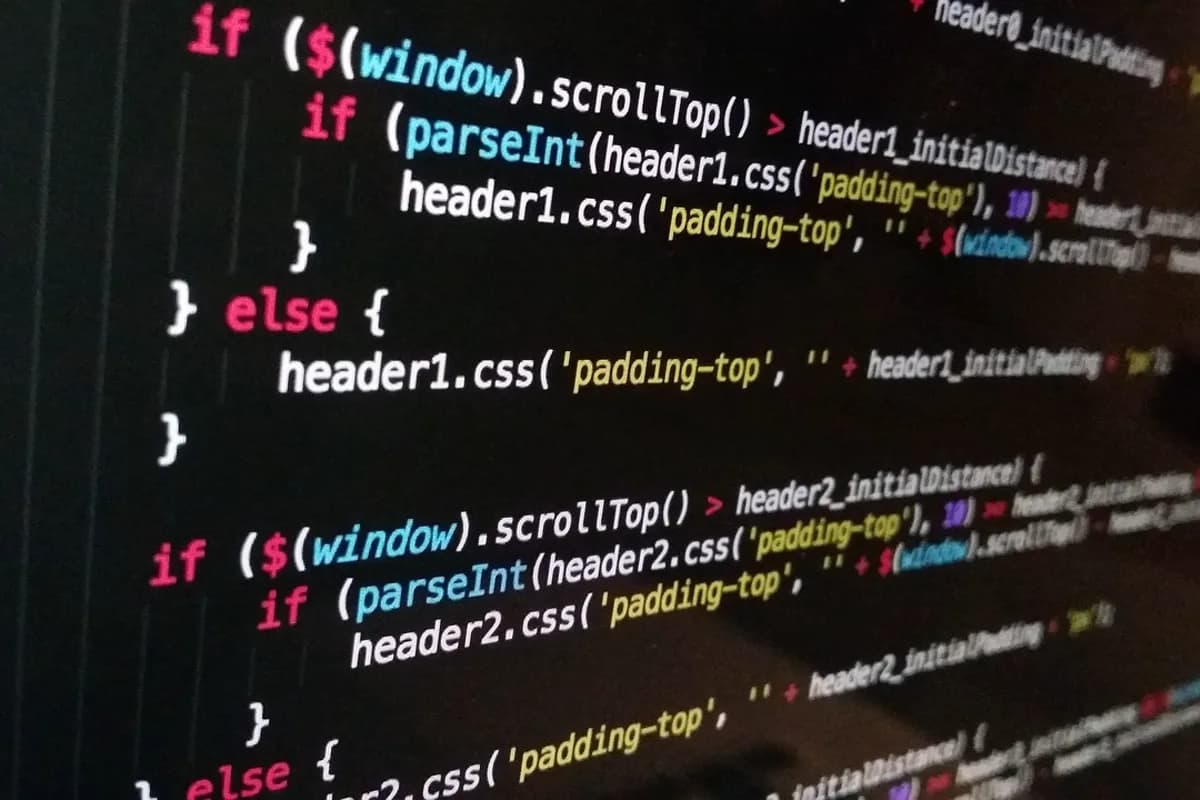
How to embed video players with HTML5, extend behavior with Video.js, and design custom playback UX when defaults are not enough.
How video DRM protects premium content: licensing models, key management, and practical deployment trade-offs.
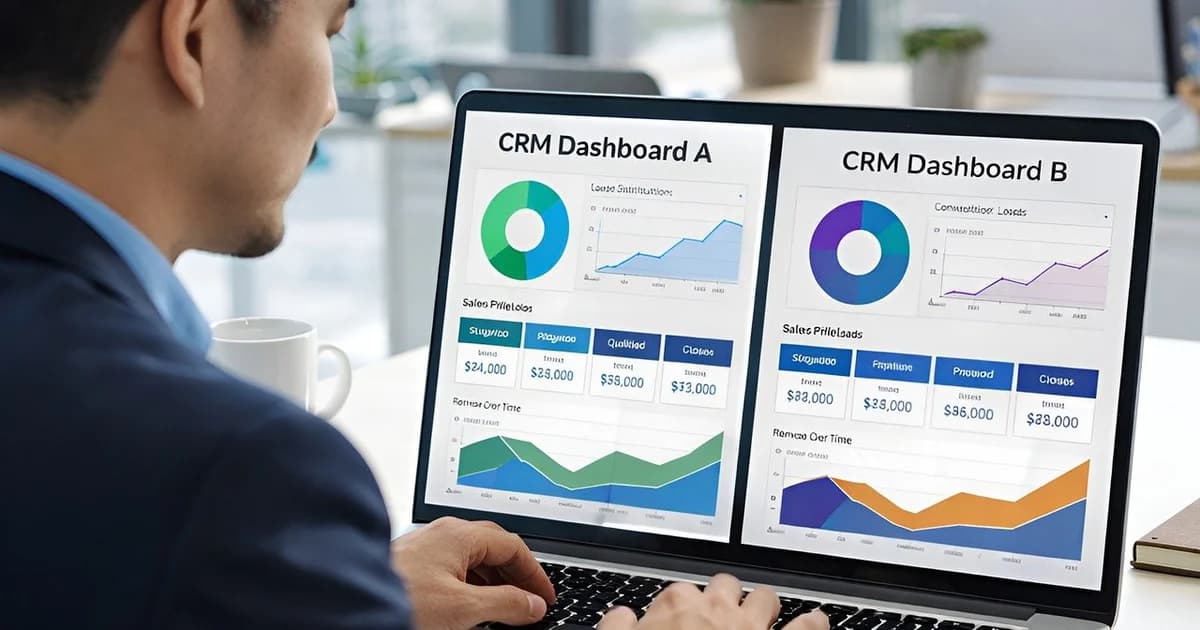
Video analytics metrics that matter: how to track quality, engagement, and retention to improve streaming outcomes.
Practical video accessibility guide for educators: make online learning inclusive with captions, transcripts, and assistive-tech validation.
Video API provider comparison for 2025: practical selection criteria for developers and product teams.
Video-to-lead conversion strategies for 2025: improve capture quality with better CTA timing, offer design, and measurement discipline.
Beginner guide to starting a vlog in 2025 with practical planning, filming, editing, and distribution steps.
How to master YouTube algorithm behavior in 2025 with practical creator tactics for discoverability and retention.
How to master immersive video storytelling with practical techniques for pacing, framing, and emotional continuity.
Video content strategy guide for 2025: plan formats, production cadence, and distribution paths for stronger business outcomes.
How to create professional presentation videos with practical production, editing, and delivery guidance.
How to create authentic video testimonials with practical interview and editing techniques for trustworthy social proof.
Practical 2025 guide to compressing video without visible quality loss across web and mobile delivery contexts.
Optimize educational content with seven practical strategies for stronger learner outcomes and retention quality.
How to sell online courses profitably with practical strategy for pricing, positioning, and learner retention.
How AI is reshaping video production in 2025 with practical examples of automation and creative support.
Video A/B testing is a core part of data-driven content strategy. A structured framework for what to test, how to measure, and how to run tests.
Server-side ad insertion (SSAI) synchronizes ads with video streams. Implementation and sync on dcast.tv
Scaling video workflows with AI: a guide for growing companies. Automation and tools on dcast.tv
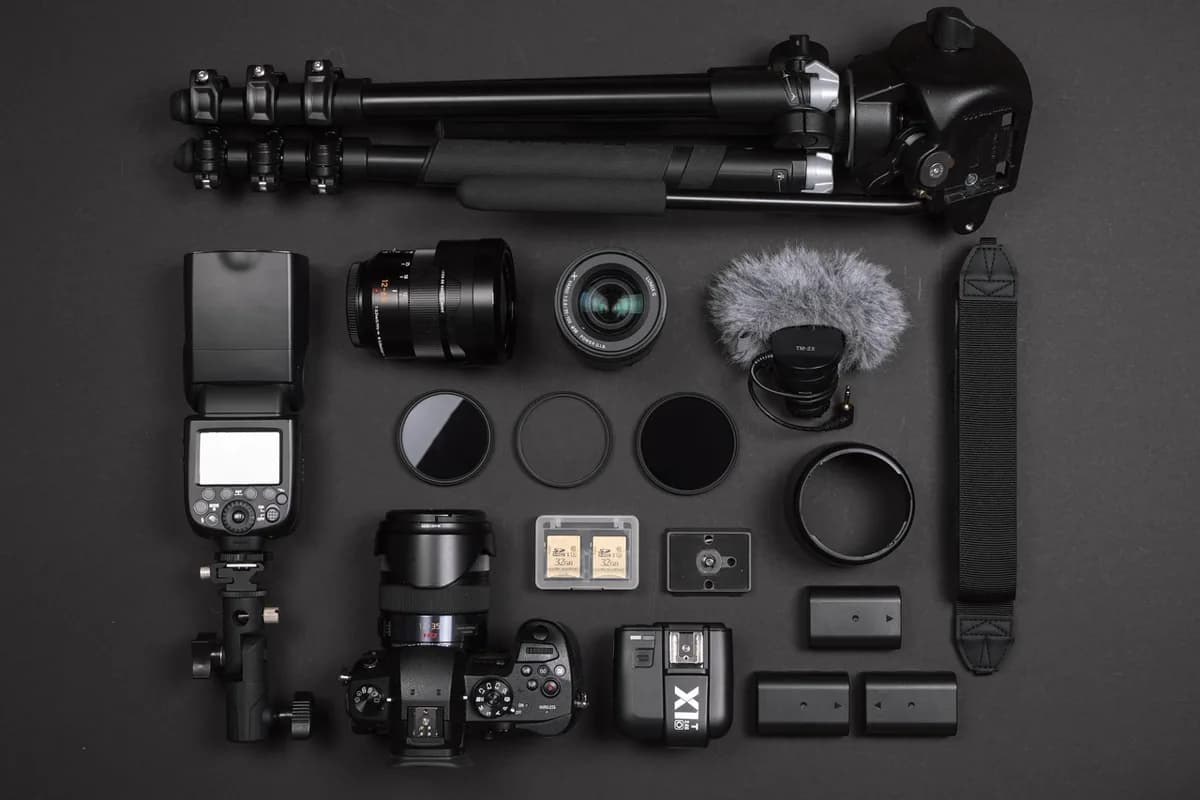
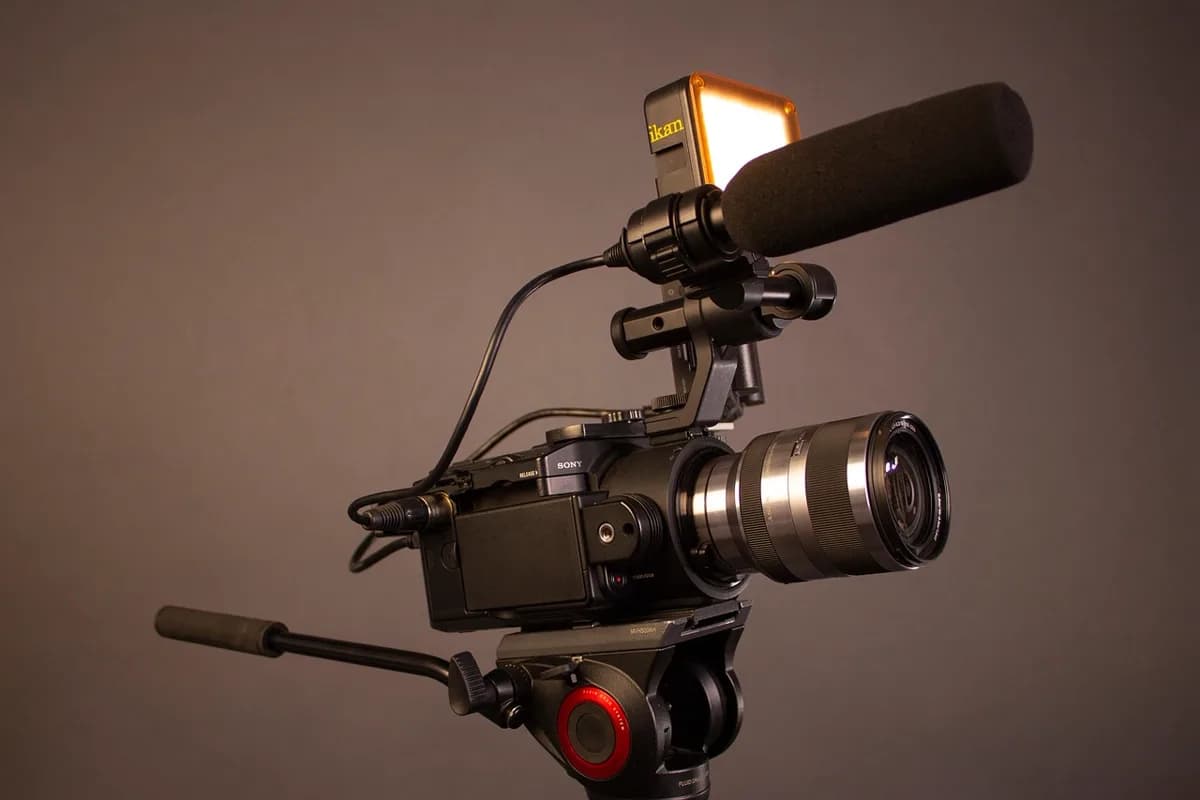
Learn how to choose the best DSLR for video production. Compare sensors, 4K, and top models for creators and filmmakers. Complete guide on dcast.tv
Technical tips to optimize video emails in 2025: file size, device compatibility, platform tuning, and balancing UX with analytics. Improve engagement with dcast.tv
Answer Engine Optimization (AEO): how video helps brands get cited by AI search. Structure content for visibility.
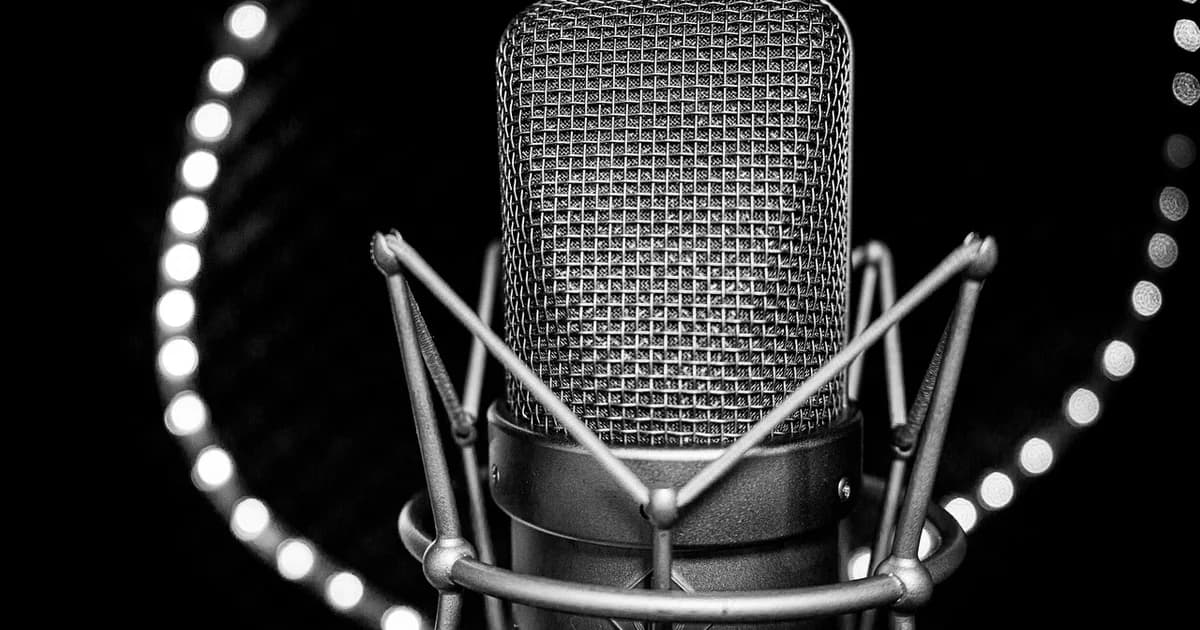
Microphone guide for video in 2025: pick the right mic for streaming and recording. dcast.tv
Compare church software for streaming, giving, and management. Features, pricing, and how to choose the right platform
10 essential camera shots for video creators: wide, close-up, POV, two-shot and more. Filmmaking guide with examples. Learn on dcast.tv
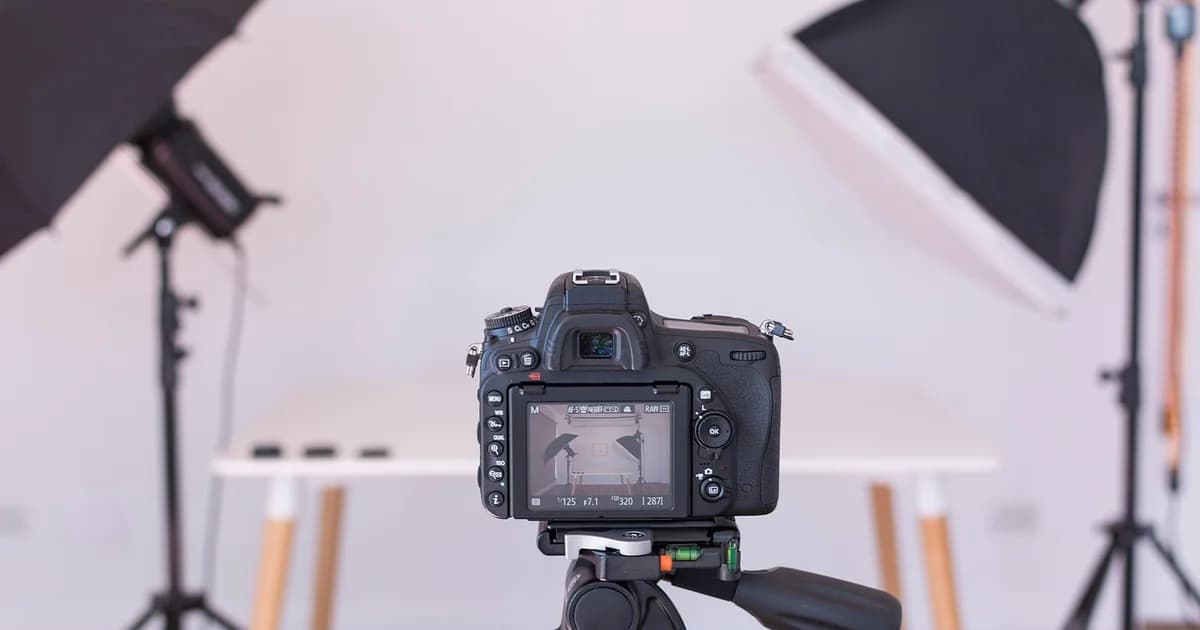
Achieve a professional look without pricey gear: color temperature, CRI, three-point lighting, modifiers, and DIY solutions.
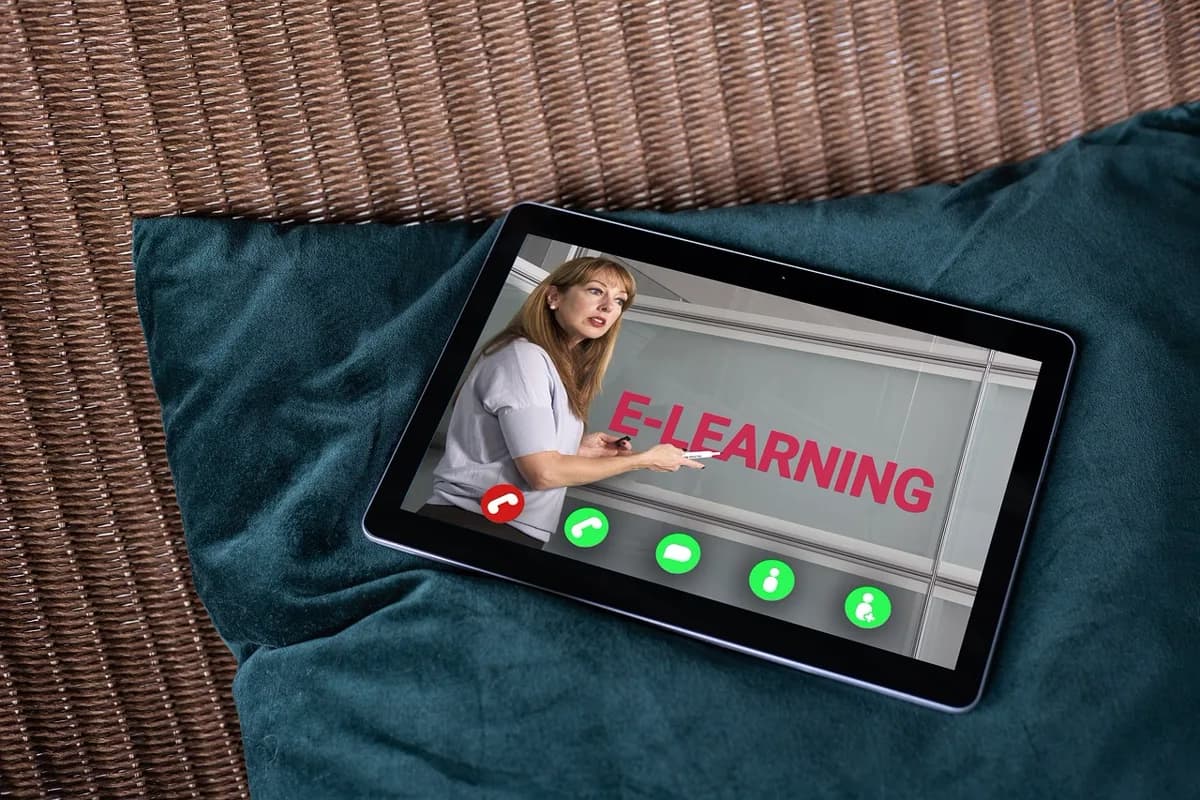
How remote training platforms are transforming global technical education
Green screen and virtual backgrounds for live streaming. Setup and best practices on dcast.tv
Email marketing for video creators: complete guide. Build lists and campaigns for your channel on dcast.tv
Complete OBS Studio guide: setup, streaming, and advanced features for creators. Learn configuration and workflows on dcast.tv
Candidates want a real look at daily life, teamwork, and values. Four video formats, simple production steps, and ways to get culture videos seen.
5 tips for creating memorable summer vacation videos: planning, authenticity, and storytelling. Guide for creators on dcast.tv