

Lower Thirds, Titles and Scoreboards on a Live Stream
How live graphics get on top of the picture, how to feed names and scores from a spreadsheet or a scoring system, and how to keep them readable.
Live graphics are layers drawn on top of your camera picture: a lower third with a name, a title card, a clock or a running score.
In OBS the most flexible tool is a browser source, which renders an HTML page with transparency, so any web designer can build your graphics.
Production software such as vMix includes a title designer whose text fields can be bound to a spreadsheet or a data file and updated while you are live.
CasparCG is a free, open source graphics server used by broadcasters, and it suits teams that want templates driven by a separate operator.
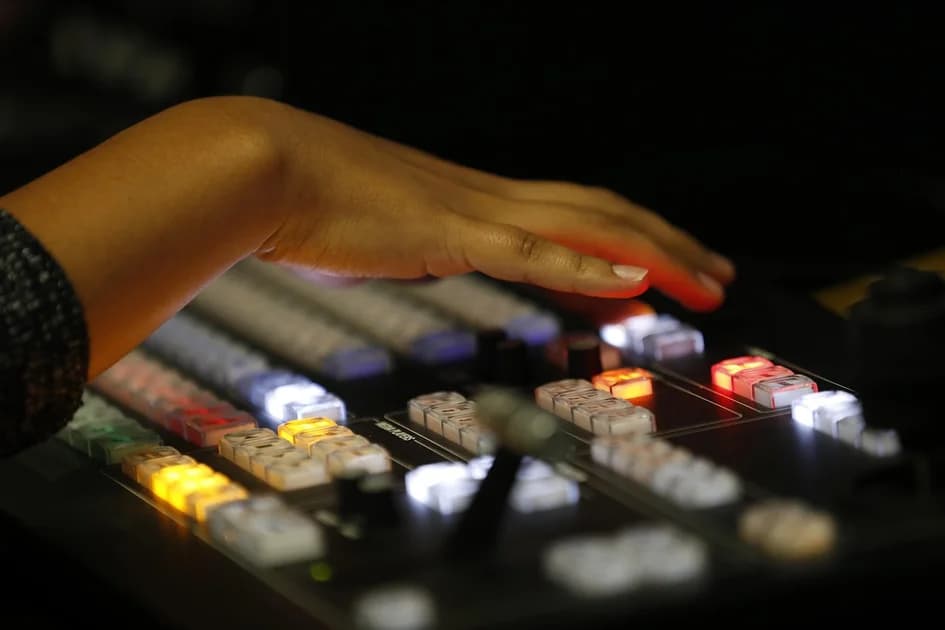
A hardware switcher usually takes graphics as two signals, a fill with the picture and a key with the transparency, which is why graphics computers often have two outputs.
For names and titles, a shared spreadsheet is the simplest data source, because the producer can fix a spelling without touching the graphics machine.
For sport, many scoring consoles and timing systems can export their data, and a small bridge program turns it into a feed your graphics can read.
Always keep a manual override, so an operator can correct a wrong score immediately if the data feed lags or fails.
Design for the smallest screen your audience uses, which today is often a phone, and test your graphics on a phone before the event.
Keep text inside the safe area away from the edges, because players and some televisions crop the border of the picture.
Use high contrast and a plain background plate behind the text, since light text over a moving bright picture is hard to read.
Check every lower third with the longest name and title on your list, so a long surname does not run out of its box on air.
Short animations in and out look professional, but slow ones delay information, so keep them brief.
Avoid placing permanent graphics where viewer apps show their own buttons and captions, usually along the bottom of the frame.
Prepare all names and titles before the show and have someone check the spelling, because a misspelled guest name is the error your audience remembers.
Save your graphics package with the show settings and keep a backup copy, so a crashed graphics computer can be rebuilt in minutes.
If your graphics run on the same computer as the encoder, watch its processor load, because an animated HTML page can take more power than you expect.
A dedicated graphics computer that sends its output over NDI or a key and fill pair keeps the main machine free for switching and encoding.
Clocks and countdowns should come from one source of time, so the clock on screen agrees with the one the presenter sees.
When several people edit the data, give each field one owner, for example the scorer for the score and the producer for the names.
dcast Team
Professional video streaming experts helping creators succeed.
Related Articles



Start Your Video Business Today
Upload, stream and sell your videos. Start on the free plan — no card needed.
Get Started Free