

Running Your Own Streaming Server or Using a Platform
What a self-hosted live server has to do between your encoder and your viewers, where the work and the bandwidth hide, and when it is worth it.
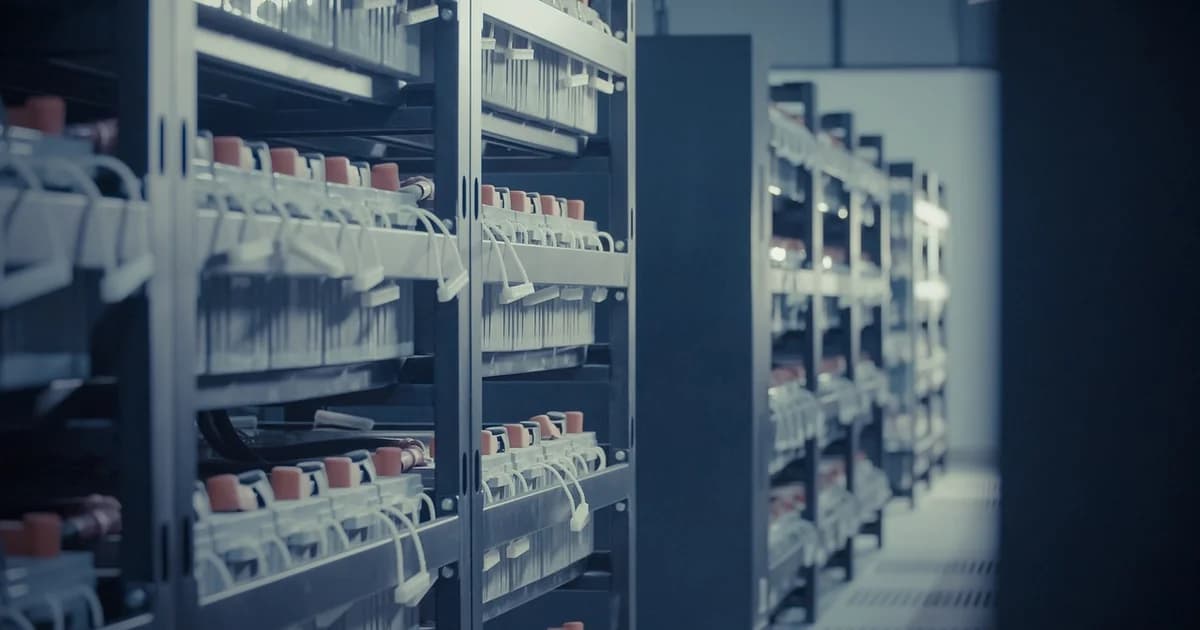
A self-hosted live setup receives your encoder feed, prepares it for players and delivers it to every viewer, and each of these steps is a job of its own.
Open source servers such as nginx with its RTMP module, SRS or MediaMTX can receive RTMP or SRT and repackage it as HLS for web players.
Repackaging is cheap, but offering several quality levels for viewers on slow connections means transcoding, which needs a powerful processor or graphics card for every live feed.
Without several quality levels, every viewer gets the full bitrate, and anyone on a weak mobile connection sees constant buffering.
Bandwidth is the part people underestimate: each viewer pulls the whole bitrate, so the outgoing traffic grows with every person who opens the player.
A content delivery network spreads that load across many servers near your viewers, but it is a separate service you configure and pay for.
You also need a player for your website, such as hls.js or Video.js, and you must keep it working across browsers and phones.
Recordings, storage, thumbnails and replays are separate tasks that a bare streaming server does not do for you.
Security needs attention too: without signed links or tokens, anyone who finds your playlist address can embed your stream on their own site.
A self-hosted server needs updates, monitoring and someone who answers when it fails in the middle of an event.
Your own server makes sense on an internal network, such as a campus or a company intranet, where viewers are close and traffic stays inside.
It also makes sense when you need full control over latency, formats or data location and have the skills in your team to run it.
A platform takes over ingest, transcoding, delivery, the player and the recordings, so your work is only the content.
Embedding is the common middle path: the platform does the heavy lifting, and its player appears on your own website under your own pages.
When you compare options, count your peak number of viewers, the bitrate you send and the hours you stream, then calculate the outgoing traffic for each case.
Count the hours of your own time as well, because a server that saves on fees but needs an evening of repairs every month is rarely cheaper.
Whatever you choose, run a load test before an important event, because a setup that works for ten viewers can fail for a thousand.
Think about where your viewers are, since a single server in one country serves distant viewers with longer start times and more buffering.
Plan what happens to recordings after the event, because deleting, archiving and serving old shows becomes a job of its own over the years.
dcast Team
Professional video streaming experts helping creators succeed.
Related Articles



Start Your Video Business Today
Upload, stream and sell your videos. Start on the free plan — no card needed.
Get Started Free