

How to Choose a Capture Card for Live Streaming
USB or PCIe, uncompressed or MJPG, HDMI or SDI input: what a capture card has to do for your camera and computer, and the settings that make a cheap one work.
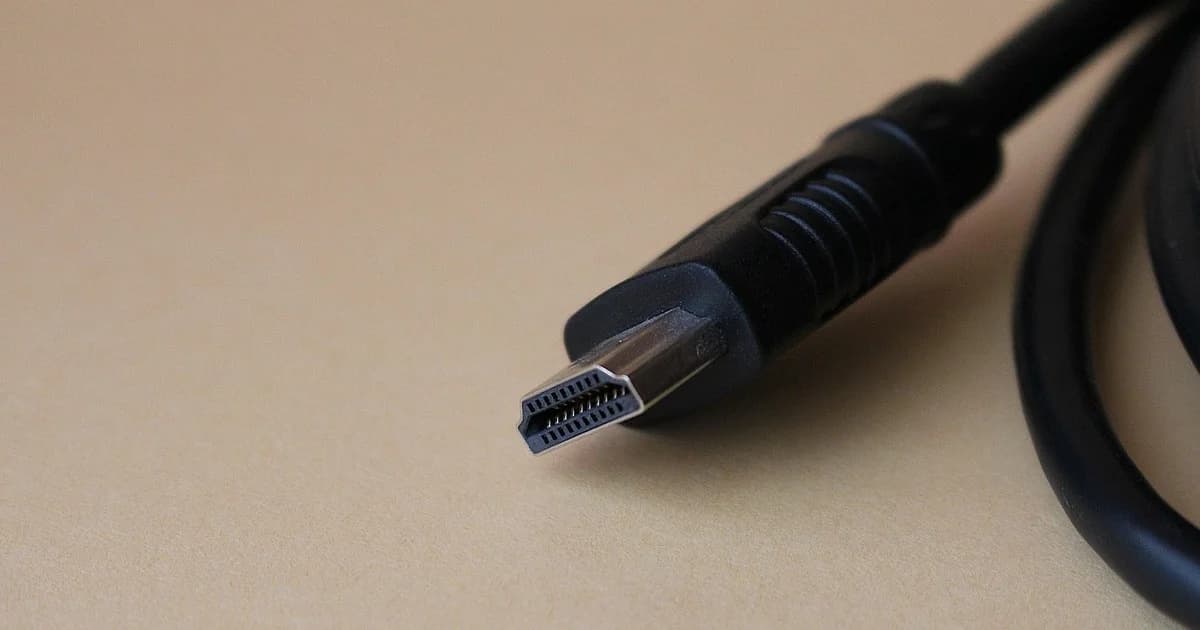
A capture card takes the HDMI or SDI picture from a camera, console or second computer and presents it to your software as if it were a webcam.
Your first decision is the connection: a USB device moves between computers easily, while a PCIe card sits inside a desktop and usually adds less delay.
Most modern USB capture devices follow the UVC standard, which means they need no driver on Windows, macOS or Linux.
Uncompressed Full HD at a high frame rate needs the bandwidth of a USB 3 port, so plug the device directly into the computer and avoid passive hubs.
Inexpensive dongles often deliver their full resolution only as MJPG, a compressed format, and fall back to a low resolution or frame rate in the raw formats.
If such a device shows a stuttering or small picture in OBS, open its properties, set the video format to MJPG and choose the resolution again.
MJPG costs some CPU to decode and softens fine detail a little, which is a fair trade for a talking head but noticeable with screen text.
Check which input formats the card accepts, because a camera sending a format the card does not list produces a black screen rather than an error.
Interlaced camera output is a common surprise, so set your camera to progressive output whenever the card or your software struggles with it.
Passthrough sends the incoming picture on to a monitor or television, which matters if you capture a game console and play on the same screen.
A card that captures UHD is only useful if your computer can encode it, and many setups capture in Full HD even when the passthrough runs higher.
If your cameras sit far away, an SDI card avoids extra converters, while HDMI cards suit desks and small rooms.
For several cameras, a multi-input PCIe card is tidier than a pile of USB devices fighting for the same controller.
PCIe cards share the lanes of the motherboard with your graphics card and storage, so read the manual to see which slot keeps full speed when another one is occupied.
Audio usually travels inside the HDMI or SDI signal, so check that the card exposes embedded audio if your camera microphone or mixer feeds the camera.
Laptops, media players and some consoles add HDCP protection to their output, and capture devices show nothing at all while it is active.
Read the specification for the delay through the card, especially if you plan to mix a captured camera with a webcam and need them to stay in sync.
Before you buy, list every source you will connect with its resolution and frame rate, and choose the card that accepts all of them natively.
After you buy, run the card for an hour at your show settings, because heat and power problems tend to appear only after it has been working for a while.
dcast Team
Professional video streaming experts helping creators succeed.
Related Articles



Start Your Video Business Today
Upload, stream and sell your videos. Start on the free plan — no card needed.
Get Started Free