

How to Run HDMI or SDI Video Over Long Distances
Which cable, converter or extender carries a camera picture across a venue, where each option stops working, and why EDID can break a healthy cable.
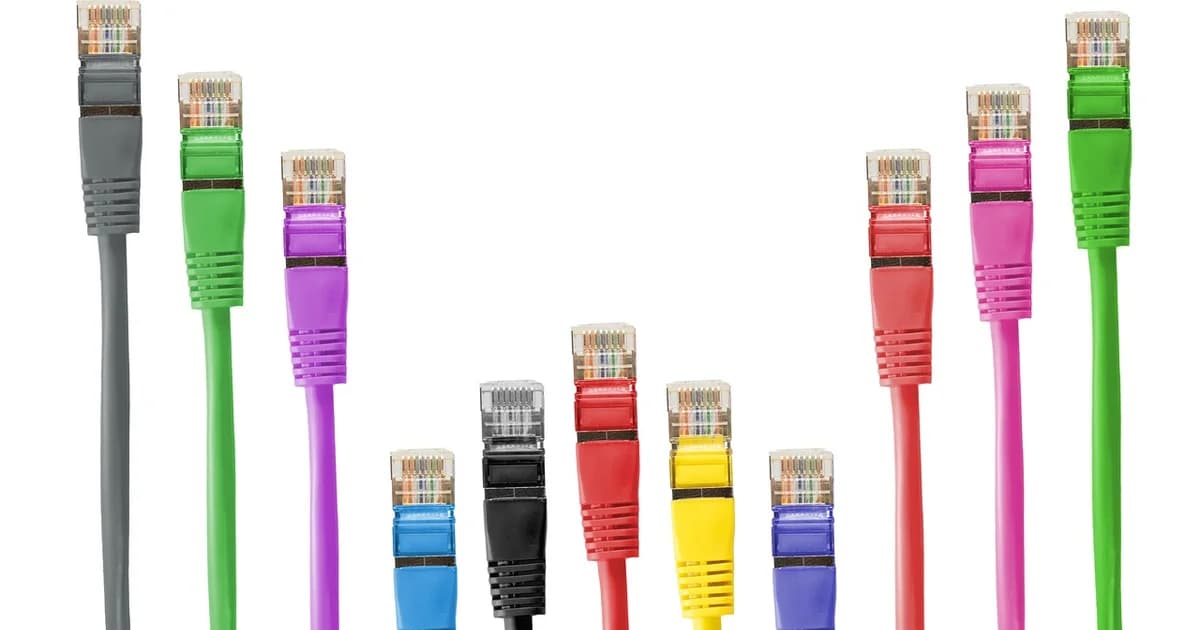
If your camera stands at one end of a hall and your switcher at the other, the cable between them decides whether you get a clean picture or a flickering one.
A plain passive HDMI cable is dependable only over short runs, and most crews treat about fifteen metres as the practical ceiling for Full HD.
At UHD the same copper gives up much sooner, so a cable that passed your rehearsal in Full HD can fail the moment you switch the camera to a higher resolution.
When the picture works on a short cable and drops on a longer one, the cable is usually not faulty; the signal has simply lost too much strength on the way.
Active HDMI cables carry a small chip in the plug, and optical HDMI cables turn the signal into light, so both stretch a run to tens of metres without extra boxes.
Optical HDMI cables only work in one direction, so check which end is marked for the source before you pull one through a ceiling.
HDBaseT extenders send HDMI over a single category six network cable and are rated for about a hundred metres, which covers most conference halls and churches.
Keep that network run in one piece, because patch panels and cheap couplers in the middle are the most common reason an extender drops out.
SDI was designed for exactly this job: a locking BNC connector, one coaxial cable with a characteristic impedance of seventy-five ohms, and far more reach than HDMI.
Over good coax, Full HD on 3G-SDI routinely crosses a large venue, while 12G-SDI for UHD reaches noticeably less on the very same cable.
Use cable sold for SDI, because ordinary antenna coax looks identical but loses the high frequencies that a digital picture depends on.
Small converters solve the mix of connectors: you turn HDMI into SDI next to the camera and back into HDMI at the switcher or capture card.
Remember that every converter needs power at its end of the run, so plan a socket or a battery plate for the camera position.
For runs longer than copper can manage, fibre converters carry SDI or HDMI over kilometres and are immune to the electrical noise of lighting dimmers.
EDID is the short message in which a screen or capture device tells the source which formats it accepts.
If a source receives no EDID, or a confusing one through a splitter, it may refuse to send any picture even though your cable is perfect.
An EDID emulator, or a splitter that stores a fixed EDID, makes the source believe a known display is attached and usually ends the black screen.
HDCP copy protection is a separate trap: laptops and media players may encrypt their HDMI output, and most converters and capture devices then show nothing.
Cameras normally send their output without HDCP, so if only one source stays black, check that device and not your whole cable path.
Before the event, test the complete chain at the exact resolution and frame rate you will use on air, with every converter and coupler in place.
Label both ends of each run and keep one spare cable of the longest length you need, because a crushed cable under a door is a classic failure on show day.
dcast Team
Professional video streaming experts helping creators succeed.
Related Articles



Start Your Video Business Today
Join thousands of creators monetizing their content with DCAST.
Get Started Free