

NDI Explained: Sending Video Over Your Network Instead of a Cable
How NDI turns a local network into a video cable, how much of that network it uses, and why a source disappears when it sits on another subnet.
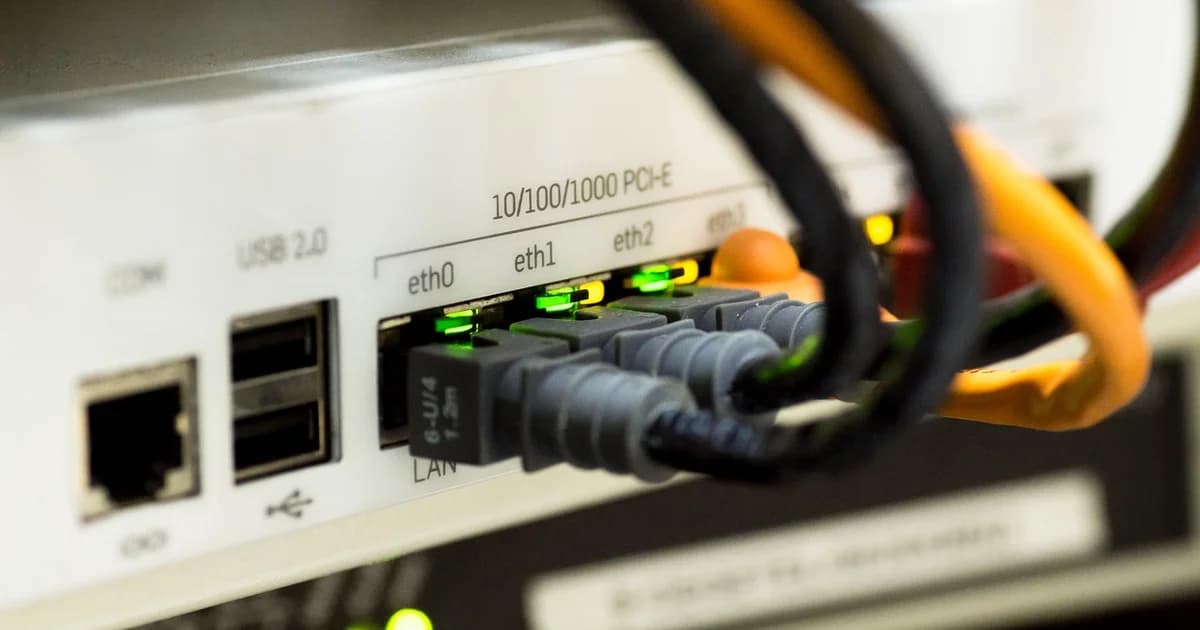
NDI is a protocol from Vizrt that carries video, audio and control between devices on an ordinary local network, so a single network cable can replace a camera cable.
Any computer or camera that speaks NDI can offer its picture as a source, and any receiver on the same network can pick it up without a capture card.
Full NDI is lightly compressed and needs a lot of bandwidth, roughly a hundred megabits per second or more for one Full HD stream at a high frame rate.
The HX variants compress far harder with H.264 or HEVC, which makes them practical for cameras and laptops but adds a little delay and needs more decoding power on your receiving machine.
Plan a wired gigabit network for production use, because a few full streams can saturate a link that looked generous on paper.
Wi-Fi is the wrong place for full NDI: it may work in a quiet office and fall apart the moment a room fills with phones.
Receivers find sources automatically through mDNS, the same discovery that printers use, and that discovery does not cross from one subnet to another.
That is why a source appears on one laptop and is missing on the next: the second machine sits in a different subnet or a separate VLAN.
You can fix it by putting every production device in one subnet, or by running an NDI discovery server and pointing each device at its address.
A computer with several network adapters, including a VPN or a virtual adapter, may announce its sources on the wrong interface, so disable the adapters you do not need during a show.
On Windows, a network marked as public blocks incoming traffic by default, so mark your production network as private or allow the NDI tools through the firewall.
The free NDI Tools add a monitor for viewing sources and virtual inputs that let video call and streaming software use an NDI source like a webcam.
Keep the production network separate from the guest Wi-Fi of the venue, ideally on its own switch, so a busy audience cannot touch your video traffic.
Most switches handle NDI fine, but cheap unmanaged models can choke on many simultaneous streams, so test with the number of sources you will really run.
NDI is designed for a building, not for the open internet, and sending it between cities needs a bridge tool, a VPN or a different protocol.
A common studio pattern is NDI inside the room and SRT or RTMP for the trip from the room to the outside world.
If your picture stutters while the network looks fine, check the receiving computer first, because decoding several HX sources can overload a modest laptop.
Write down which device sends which source name, since a tidy naming scheme saves minutes when you are searching a list of identical camera entries.
Finally, update every NDI device to compatible versions before an event, because mixed versions are a frequent source of sources that connect but show no picture.
dcast Team
Professional video streaming experts helping creators succeed.
Related Articles



Start Your Video Business Today
Join thousands of creators monetizing their content with DCAST.
Get Started Free