

PTZ Cameras for Live Production: Choosing, Connecting and Using Presets
What to look for in a pan, tilt and zoom camera, which control protocols matter, and how presets let one person run several cameras.
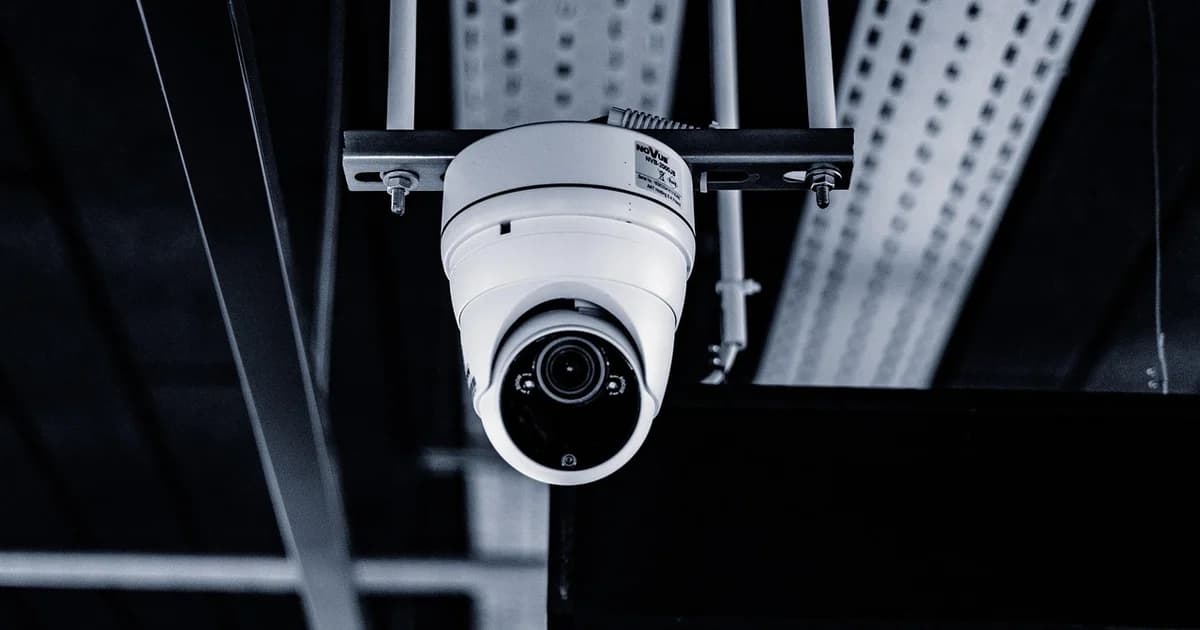
A PTZ camera pans, tilts and zooms by remote control, so one operator can run several angles without standing behind each camera.
They are a natural fit for churches, lecture halls, council chambers and studios where cameras stay in one place for every event.
Start with the optical zoom, because it decides how close you can get from the back of a room without losing sharpness.
Digital zoom only enlarges pixels, so judge a model by the optical figure and by the widest angle it offers for small spaces.
Video usually leaves the camera over SDI, HDMI, USB or the network, and many models offer several of these at the same time.
Network video such as NDI, SRT or RTSP saves cabling, but it adds some delay compared with SDI, which matters when you cut between cameras.
VISCA is the classic control protocol, originally over serial cables and now also over the network as VISCA over IP.
ONVIF is a network standard from the security camera world, and support for it alone says little about smooth on air moves.
Check that your joystick controller or production software supports the exact protocol and model before you buy several cameras.
Power over Ethernet lets one network cable carry power, control and video, which simplifies mounting a camera on a ceiling or a high wall.
Presets store a position, zoom and focus that you can recall with one button, such as the pulpit, the choir or a wide shot of the stage.
Set the preset speed so that moves you make on air look calm, and recall a new preset only while another camera is live.
Give every camera a fixed network address and write them down, because a camera that changes address disappears from your controller.
Most PTZ cameras can be mounted upside down and flip their picture in the menu, which is handy for ceiling mounts.
Auto tracking can follow a presenter on its own, but it works best with one person on a clear background.
Match the frame rate and colour settings across all cameras, so cuts between a PTZ camera and your other cameras look consistent.
Plan your positions on a floor plan before installation, because moving a ceiling mount later is far harder than choosing the right spot first.
Ask for a demonstration of slow zooms and pans, because cheap motors can move in visible steps that look poor on air.
Check how quickly the camera focuses after a preset recall, since a soft picture for a second spoils an otherwise clean move.
If you mix PTZ cameras with other brands, use a controller that speaks every protocol you own instead of one panel per manufacturer.
dcast Team
Professional video streaming experts helping creators succeed.
Related Articles



Start Your Video Business Today
Upload, stream and sell your videos. Start on the free plan — no card needed.
Get Started Free