

Automate Your Live Production With Hotkeys, Button Panels and Triggers
How hotkeys, a Stream Deck, Bitfocus Companion and the control interfaces of OBS and vMix turn a busy show into a few reliable button presses.
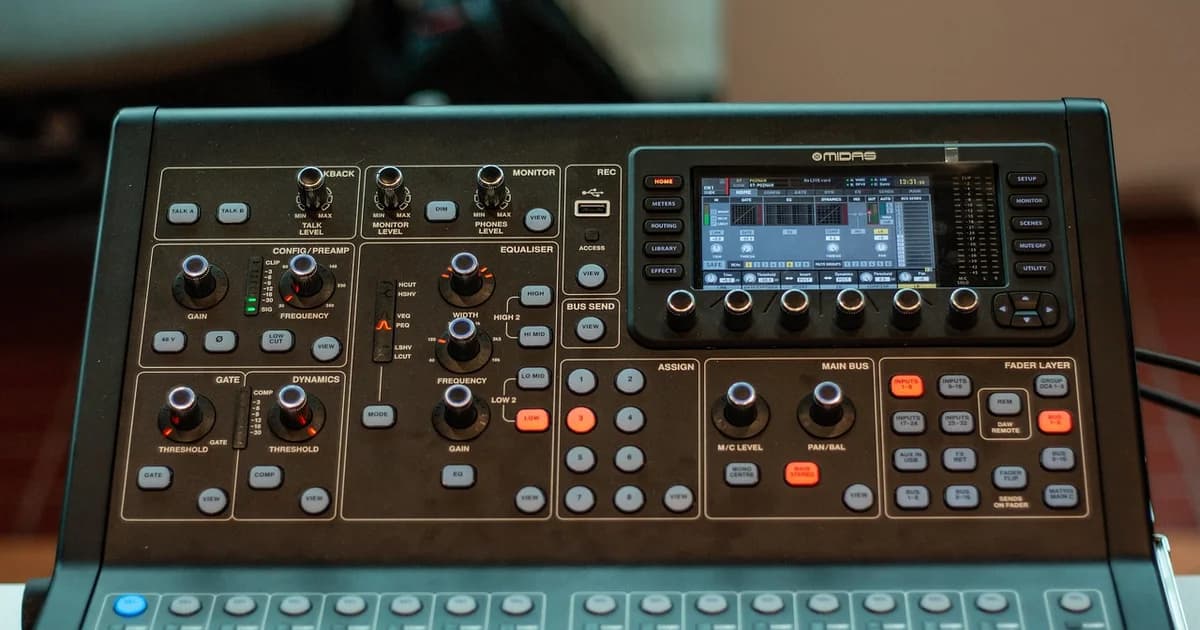
Automation means letting a single action, such as one button, run the several steps an operator would otherwise click by hand during a show.
The simplest level is keyboard hotkeys, which OBS and vMix both let you assign to scenes, transitions, mute switches and recording.
A programmable button panel such as the Elgato Stream Deck puts those actions under labelled keys, which you can read in a dark control room.
Bitfocus Companion is free, open source software that turns a Stream Deck or a web page of buttons into a control surface for many devices at once.
With Companion, one press can change a camera preset, switch a scene, start a recording and fire a lower third in the right order.
OBS includes a WebSocket server that lets other programs and button panels control it over your local network.
vMix offers shortcuts, scripting and a web API, and its triggers can run actions automatically when an input goes on air or a clip ends.
Use triggers for repetitive moments, such as starting a countdown before the show or playing a sponsor clip after every segment.
Group related actions on each page of your panel, for example cameras on one page and audio on another, so you never hunt for a key.
Protect dangerous actions such as stopping the broadcast, either by placing them on a separate page or by requiring a second press.
Give every button a clear label and colour, and use the feedback that shows which scene or camera is currently live.
Control traffic usually runs on the local network, so give important devices fixed addresses to keep your buttons working after a restart.
Test the whole button layout before every show, because an update to one program can quietly change the name of a scene a button depends on.
Keep a written list of what each button does, which lets a substitute operator run your show if you are unavailable.
Start with the three or four actions you repeat most, and add more automation only after those run reliably.
A good rule is that you should be able to run the show without automation, so a failed panel is an inconvenience rather than an outage.
Stream Deck profiles can switch automatically with the application in focus, which keeps one panel useful for both editing and live work.
MIDI controllers with faders and buttons are a cheap alternative for audio levels and can be mapped in most production software.
Many PTZ cameras, video switchers and audio mixers accept network commands, so a single panel can reach equipment from several manufacturers.
Name your scenes and sources once and keep those names stable, since scripts and buttons usually find them by name.
dcast Team
Professional video streaming experts helping creators succeed.
Related Articles



Start Your Video Business Today
Upload, stream and sell your videos. Start on the free plan — no card needed.
Get Started Free