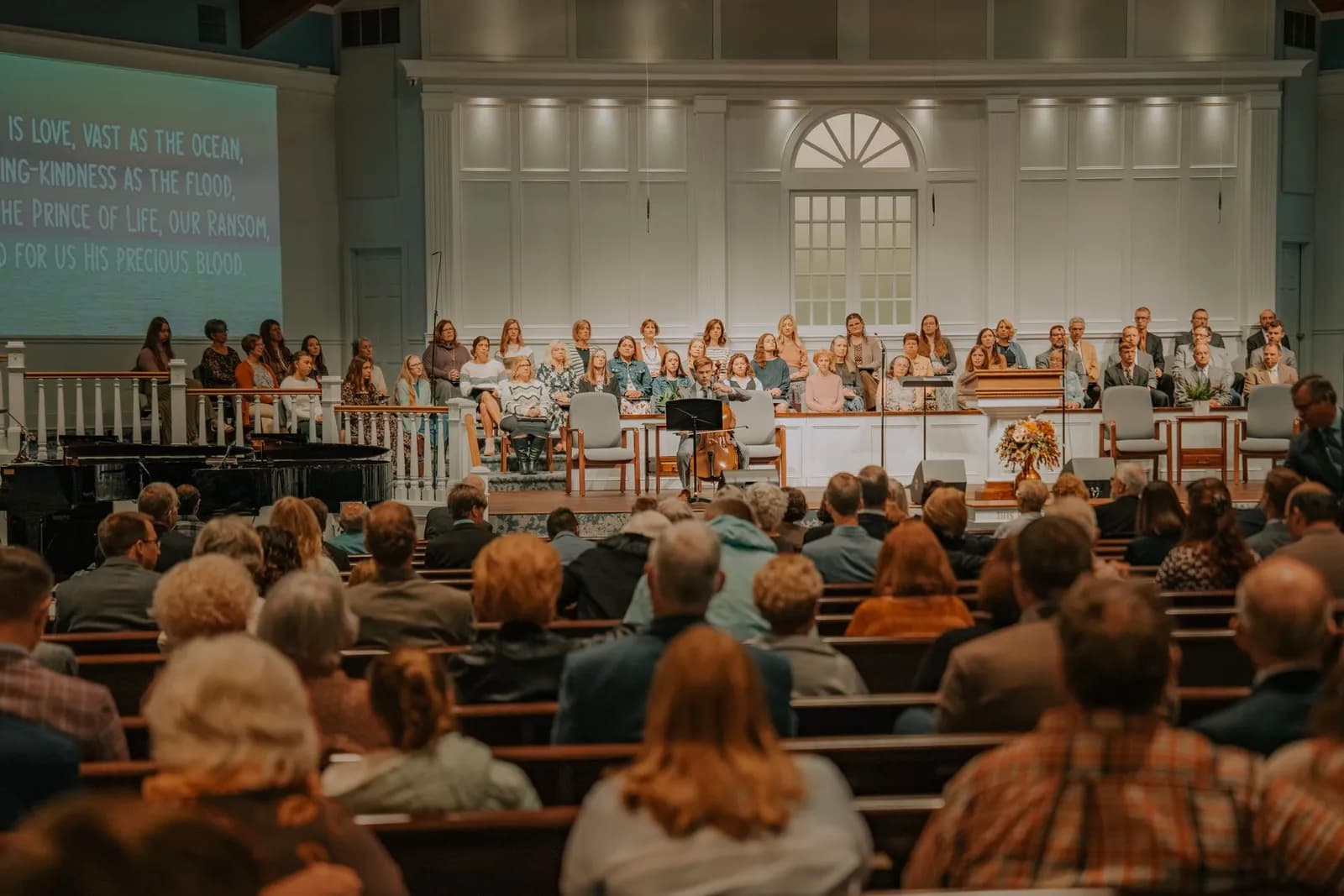
For organisers and local authorities
Public Ceremonies: Graduations, Openings & Civic Events
Let residents, officials and the press follow the ceremony from wherever they are.
A graduation, a ribbon-cutting, a groundbreaking or a civic ceremony is followed by many people who cannot be on site. Go live from a phone or an encoder, share one link through the organisers and the local media, and keep the recording for those who missed it.
One link
Shared through organisers and media
Backup
A second encoder on PRO and VIP
Replay
The same link for those who missed it
What you get
Schools and universities, municipalities, local authorities, community organisations, event organisers and the media who cover them
From a phone or from a camera rig
For a simple ceremony, camera mode goes on air straight from the browser of a phone or a computer. When you want sound from the public address system or a proper camera, send the feed from an encoder over RTMP or SRT.
One link, shared early
Most viewers of a ceremony arrive through a shared link, so send it early through the organisers, the local media and community groups. You can also place the player on the organisation's own website with a short embed code.
Send it on to social platforms
One broadcast can be sent on to YouTube, Facebook, Instagram, TikTok, Twitch, Kick or a custom address, so residents watch where they already are. How many destinations run at once depends on the plan.
A backup feed and several languages on PRO and VIP
On the PRO and VIP plans a second encoder can publish to the backup address, and the broadcast continues from it with a hitch of a fraction of a second if the main feed is lost. One broadcast can also carry several audio languages, each from its own interpreter. Both need an RTMP, SRT or WHIP broadcast, not the browser camera.
A replay for those who missed it, and the one-hour limit
A standard broadcast is recorded automatically, and the replay opens on the same link. On the FREE plan a single broadcast runs for one hour from Start; for a longer ceremony buy a one-off pass for that broadcast, which gives it STAR limits for a set number of hours from payment, or choose a plan.
How it works
Get the running order and test on site
Ask the organisers for the programme, and a few days ahead test the connection from the exact spot where the camera will stand.
Share the link early
Send the watch link and the start time through the organisers, the local media and community groups.
Go live
Check the sound first: a camera microphone loses speeches to wind and crowd noise. Keep a charged second phone or a second encoder ready.
End the ceremony and share the replay
Press Stop to end the broadcast, then share the replay link with the press and with residents who missed it.