For funeral homes and families
Funerals & Memorial Services
Let the people who cannot travel be part of the service.
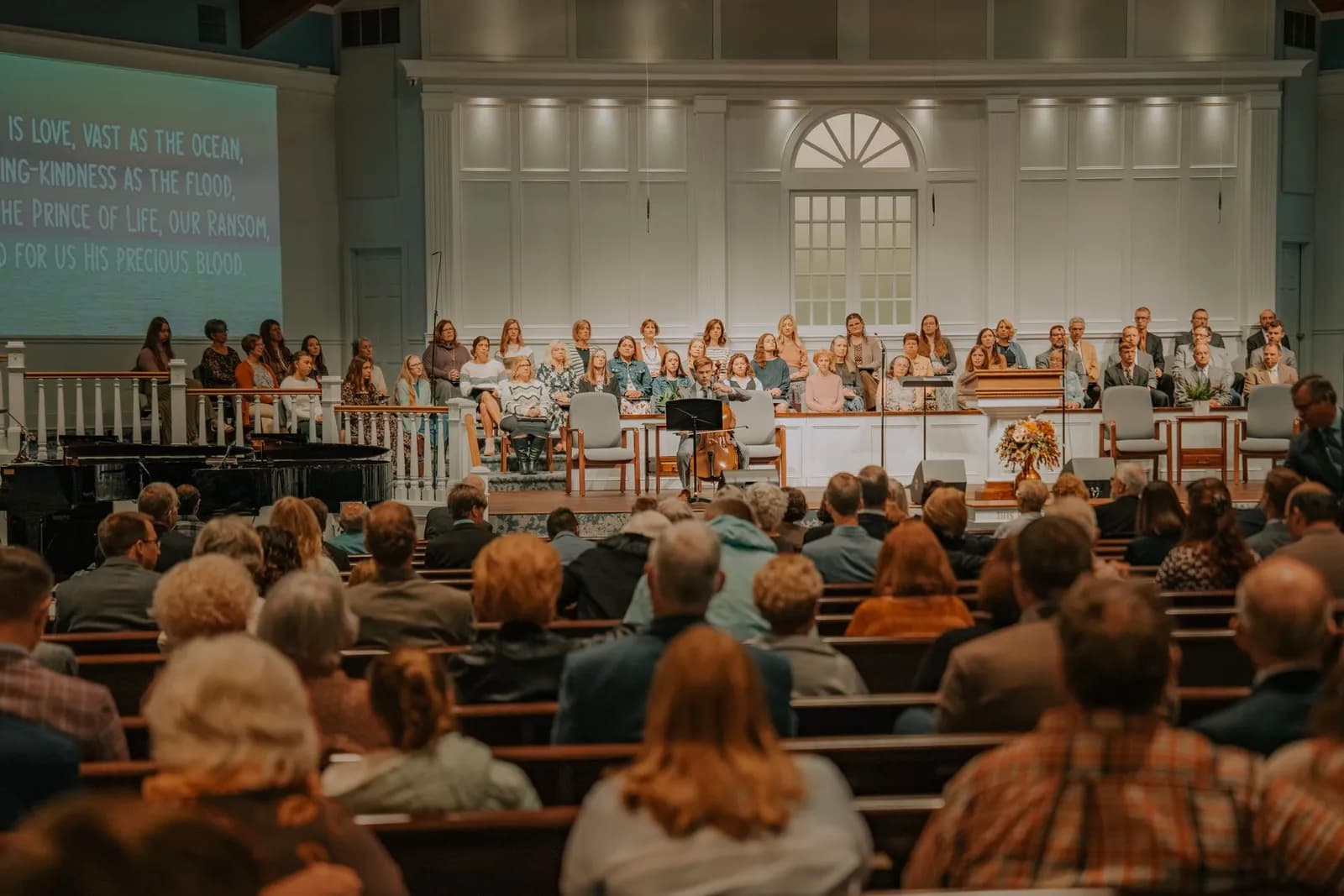
A funeral home, a church or a family can put a service on screen for relatives and friends who are far away: go live from the browser of a phone or computer, invite guests with access keys, and show the player on your own website.
50
Viewers at once on FREE
500
Viewers at once on STAR
1 h
Longest single broadcast on FREE
What you get
Funeral homes, churches, celebrants and families
Go live from the browser of a phone or computer
Camera mode puts the service on air straight from the browser, without installing an encoder. You can switch between the front and the back camera of a phone, the browser keeps trying to reconnect if the connection drops, and Stop ends the broadcast itself, so nobody is left waiting on a dead stream.
Invite guests with access keys
Open the service to the people you choose: a key for a single guest, or one shared key for a whole family or group. A single-guest key plays on one device at a time, a guest who arrives with a valid key before the service starts is told it has not begun yet, and you can switch any key off whenever you like.
Show the service on your own website
Place the player on your own website with a short embed code. By default the embedded player works on any website; you can instead list the domains where it may appear, and every other website is refused.
Send it on to other platforms
One broadcast can also be sent on to YouTube, Facebook, Instagram, TikTok, Twitch, Kick or a custom address, so relatives can watch where they already are. How many destinations run at once depends on your plan: 2 on FREE, 4 on STAR, 6 on PRO and 10 on VIP. Leave it off for a service meant only for invited guests.
A backup encoder for the day that matters
On the PRO and VIP plans, a second encoder can publish to the backup address of the broadcast. If the main feed is lost, the broadcast continues from the backup with a hitch of a fraction of a second and viewers stay in the same player. A broadcast started from the browser camera does not take a backup feed on any plan.
Know the limits before the day
On FREE, a single broadcast stops after 1 h, live time is 10 h per month in total and up to 50 people can watch at once. STAR raises the audience to 500 at once, PRO to 1000 and VIP to 5000. If the service may run longer than an hour, check the plans before the day, not during it.
How it works
Create the broadcast and test it
Create the broadcast in your dashboard. A few days ahead, do a short private test from the same phone or computer, on the same network you will use on the day.
Invite your guests
Create access keys, a key for each guest or one shared key for the family, and send everyone their code. If you want, embed the player on your own website as well.
Go live
Open camera mode on the phone or computer, check the picture and the sound, and go live. Connect to a stable network and plug in the charger if you can.
End the service
Press Stop: the broadcast ends and viewers are not left waiting. Switch the access keys off when the service is over.