

Best Video Maker Tools for 2025: A Guide for Creators and Businesses
Compare template-first video makers, AI-assisted generators, and pro workflows in 2025—and when to pair editing tools with a live/VOD host such as dcast.tv.
On this page
Picking a video tool in 2025 is less about finding "the best editor" and more about matching a tool to a job. A solo creator cutting daily TikToks has almost nothing in common with a post house grading a documentary, and a marketing team turning blog posts into LinkedIn clips needs something different again. The tools below are grouped by the work they're actually good at, with honest notes on price, platform, and where each one stops being the right call.
Prices move around and vary by region and promo, so treat the figures here as tiers, not quotes. Always confirm on the vendor's own pricing page before you commit.
How to choose: four questions before you pay
Before comparing feature lists, answer these. They eliminate most of the field fast.
- Who edits, and at what skill level? A timeline editor like Resolve or Premiere rewards skill; a template tool like Canva or CapCut hides the timeline so non-editors can ship.
- Where does the video go? Vertical short-form for social favors mobile-first tools with captions and trend audio. Long-form YouTube, client deliverables, or broadcast favor desktop NLEs.
- One-time buy or subscription? DaVinci Resolve and Final Cut Pro are perpetual licenses. Premiere, Descript, CapCut, and most web tools are subscriptions. Over three years that gap is large.
- Do you need AI to do the heavy lifting? Script-to-video, auto-captions, filler-word removal, and generated B-roll save real time, but they trade away fine control.
Once the video exists, hosting and distribution are a separate decision — covered at the end.
Short-form and social: fast, mobile-first, caption-heavy
These tools are built for vertical video, trend audio, and fast turnaround. They prioritize speed and auto-captions over frame-level precision.
CapCut
The default for short-form creators. Strong auto-captions, trend-aware templates, keyframing, and a usable free tier; CapCut Pro (roughly $6–10/month) unlocks premium effects, more stock, cloud storage, and removes watermarks. Available on iOS, Android, desktop, and web.
Best for: TikTok, Reels, and Shorts creators who want one tool from phone to publish.
Watch out for: feature and availability changes have made some teams wary of standardizing a business on it — check current terms for commercial use.
Canva
Design-first rather than edit-first. Its strength is templated, on-brand graphics and simple video assembled from a vast template library, with brand kits to keep colors and fonts consistent. The free tier is genuinely useful; Pro and Teams add brand controls and larger asset libraries.
Best for: marketers and course creators making promo clips, social posts, and simple explainers without an editor.
Watch out for: it's not a real timeline editor — multi-track, precise audio work, and complex transitions hit a ceiling.
VEED.io
A browser-based suite aimed at marketers and social teams: editing, auto-subtitles, screen recording, and AI cleanup in one tab, nothing to install. Free plan exports carry a watermark; paid tiers add storage and AI credits.
Best for: distributed teams who want to edit from any machine and caption fast.
Professional editing: timelines, color, and client deliverables
When you need frame accuracy, real color work, multicam, and polished delivery, these are the standards.
DaVinci Resolve
The strongest value in professional editing. The free version is fully usable and, for most creator work, does more than people expect; DaVinci Resolve Studio is a one-time purchase (around $295) with free updates within the version. Industry-leading color grading, plus editing, Fusion VFX, and Fairlight audio in one app. macOS, Windows, and Linux.
Best for: color-critical work, VFX, multicam, and anyone who wants pro tooling without a subscription.
Watch out for: a steeper learning curve and real hardware demands.
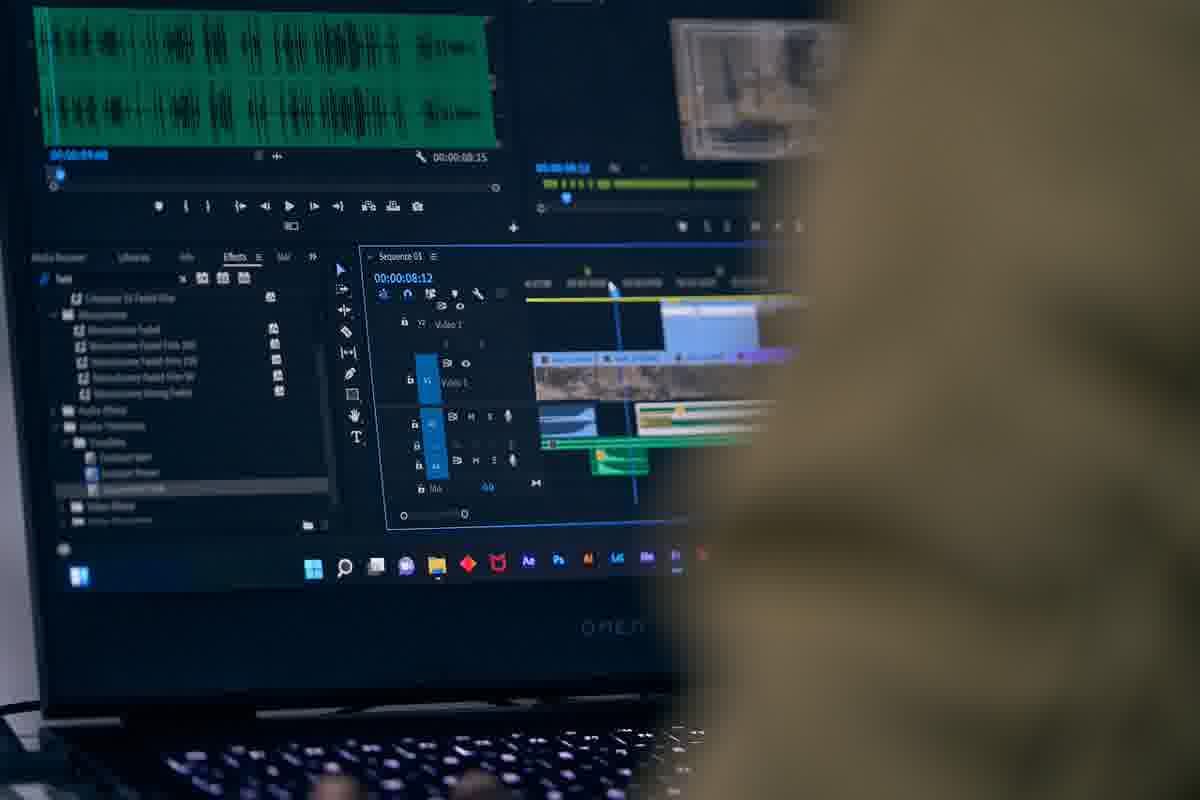
Adobe Premiere Pro
The long-time industry workhorse, deeply integrated with After Effects, Photoshop, and the rest of Creative Cloud. Subscription only — roughly $23/month on an annual plan, more standalone. Best when you live inside Adobe's ecosystem and collaborate with people who already do.
Best for: professional editors and teams standardized on Adobe.
Watch out for: the recurring cost adds up; over three years it dwarfs a one-time Resolve or Final Cut license.
Final Cut Pro
Apple's pro editor, famous for fast renders on Apple silicon and a magnetic-timeline workflow some editors swear by. macOS is a one-time purchase (around $300); the iPad version is a separate subscription.
Best for: Mac-based editors who want speed and a one-time desktop license.
Watch out for: Apple-only, and the magnetic timeline is a love-it-or-hate-it model.
Filmora (Wondershare)
A friendlier middle ground between template tools and full NLEs: a real timeline with a gentle learning curve, plus built-in AI helpers. Offered as an annual subscription or a perpetual license (tiers vary), on Windows, macOS, and mobile.
Best for: hobbyists and small businesses who've outgrown template apps but don't need Resolve's depth.
AI-assisted: script-to-video and text-based editing
These tools change the workflow itself — you edit text or write a prompt, and the video follows.
Descript
Edits video and audio by editing the transcript: delete a word, delete the footage. Add auto-captions, one-click filler-word removal, and overdub-style voice tools. Paid tiers start around $24/month on an annual plan; a free tier exists with limits.
Best for: podcasters, talking-head YouTubers, and course creators who'd rather edit a document than a timeline.
InVideo
Turns a text prompt into a finished video — script, voiceover, stock media, and captions assembled automatically — then lets you refine it. Paid plans roughly $25–60/month depending on export volume and features.
Best for: marketers producing many social or explainer videos quickly from briefs.
Watch out for: generated output needs a human pass before it feels on-brand.
Runway
Generative video, not a traditional editor. Its Gen-4–era models create and transform footage from prompts and images, with motion and VFX tools that previously needed a studio. Subscriptions start around $15/month and scale with generation credits.
Best for: creative and experimental work — concept films, stylized B-roll, effects.
Watch out for: credit-based pricing and generative limits; it complements an editor rather than replacing one.
Pictory and Lumen5
Both specialize in repurposing existing text and footage. Pictory turns scripts, articles, and long videos into short, captioned clips; Lumen5 turns blog posts and articles into branded social videos. Subscription-based.
Best for: content teams squeezing more clips out of work they've already produced.
Free and beginner-friendly starting points
If budget is the constraint, start here before paying for anything.
- DaVinci Resolve (free): the most capable free editor available, full stop. If you'll grow into serious editing, learn this.
- CapCut (free): the fastest path to a captioned vertical video.
- Canva (free): best for design-led, template-based clips.
- Descript (free) and VEED (free): good for trying text-based and browser-based editing, with watermarks or export limits to nudge you toward paid tiers.
- iMovie / built-in OS editors: fine for first cuts and family-grade projects before stepping up.
A quick decision framework
- Daily short-form for social: CapCut, with Canva for graphics-heavy posts.
- Professional client or YouTube long-form: DaVinci Resolve (value) or Premiere Pro (Adobe shops); Final Cut on Mac.
- Talking-head, podcast, or course content: Descript, for transcript-based editing.
- High volume from text briefs: InVideo or Lumen5/Pictory for repurposing.
- Generative and experimental: Runway.
- Tightest budget: DaVinci Resolve free, then CapCut or Canva free.
Match the tool to the job and the skill level in the room, not to whichever name is loudest. Most teams end up with two: a fast template or AI tool for volume, and one real editor for the pieces that matter.
After the edit: hosting and distribution
Editing is only half the workflow — a finished file still needs somewhere to live and a way to reach an audience. Once a video is made, you can host it as on-demand VOD, live stream, or restream it to other destinations through dcast.tv (see what it does by use case), with monetization and your own branding on top. It's a streaming, hosting, and monetization platform, not an editor, so it picks up where the tools above leave off: you cut the video in your editor of choice, then publish and distribute it from one place.
Frequently Asked Questions
What is the difference between video editing software and video creation tools
Editors refine captured footage; creation suites often add templates, stock, and AI drafts. Choose based on whether you start from files or from a brief.
Can these tools replace a live streaming platform
No. Most entries here are for on-demand clips. For live, use an encoder and a host such as dcast.tv rather than a template editor alone.
Are there free tiers for businesses
Many vendors offer limited free plans; collaboration, export quality, and brand kits usually require paid seats.
dcast-team
Professional video streaming experts helping creators succeed.
Related Articles



Start Your Video Business Today
Join thousands of creators monetizing their content with DCAST.
Get Started Free