

Video Repurposing Strategies for Content Creators
Video repurposing strategies: convert one asset into multiple formats for different channels while preserving context and quality.
On this page
Introduction to Video Repurposing
Video repurposing involves taking an existing video and transforming it into a new format, context, or distribution method. This practice can significantly enhance the reach of your content across different platforms while also providing more value to diverse audiences.
Definition and Importance of Video Repurposing
Repurposing videos allows creators to maximize their investment in production by leveraging the same footage for multiple purposes. For instance, a single video interview could be condensed into shorter clips or used as part of an educational series. This not only saves time but also ensures that your content remains fresh and relevant over extended periods.
Benefits of Repurposing Videos Across Different Platforms
- Increased Visibility: By posting the same content on various social media platforms, you can reach different segments of your audience.
- Engagement Boost: New formats or contexts for existing videos keep viewers interested and encourage them to interact with your brand in new ways.
- Resource Efficiency: Repurposing reduces the need for constant high-quality content production.
Key Strategies for Effective Video Repurposing
Utilize Hashtags Effectively for Increased Visibility
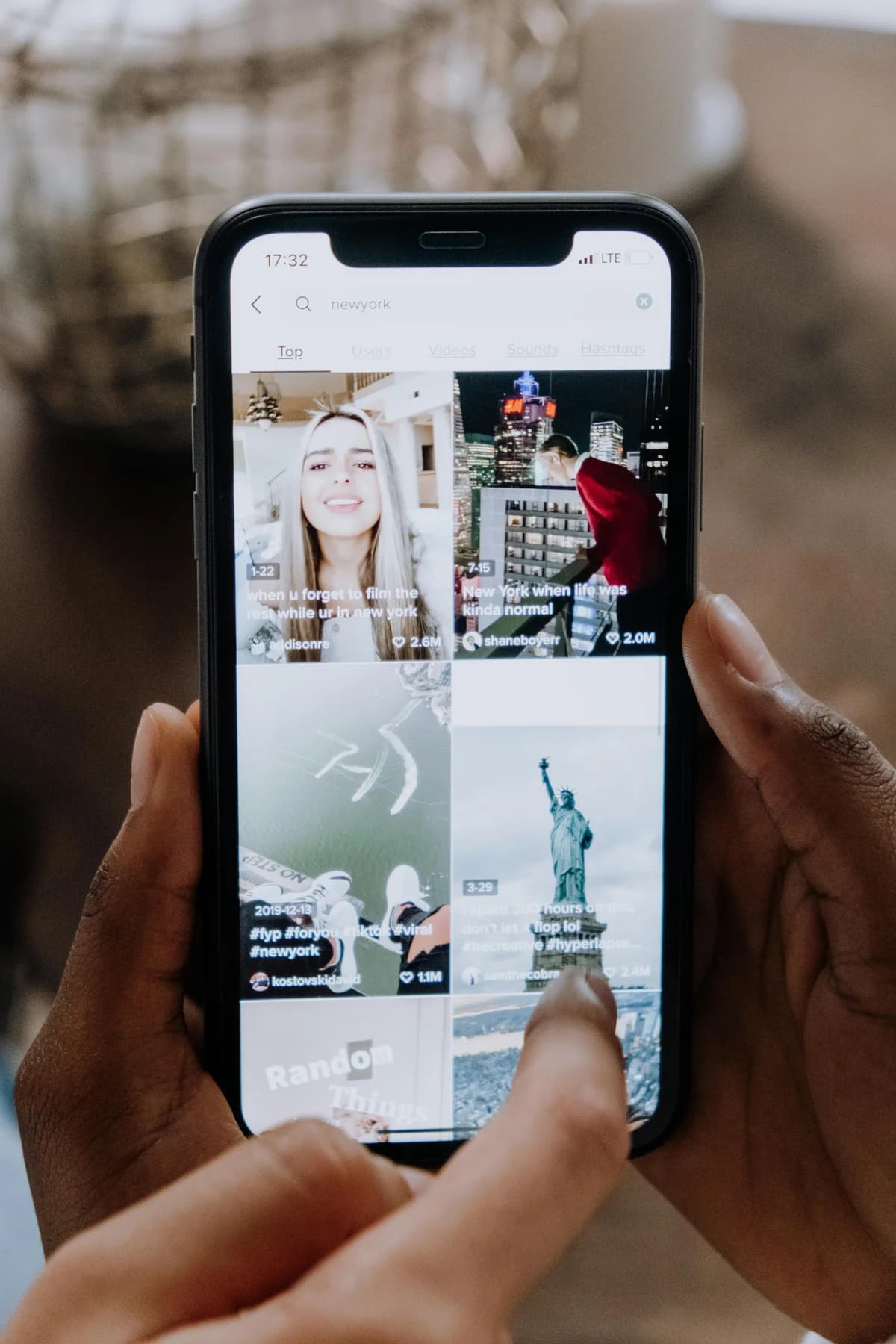
Using relevant hashtags can significantly boost a video's visibility on social media. For example, if you post educational videos related to photography tutorials, including popular photo-related hashtags like #photographytips or #learnphoto will attract more viewers.
Tips for Effective Use of Hashtags:
- Research Popular Tags: Identify trending and frequently used tags within your niche.
- Include Niche-Specific Keywords: Add specific keywords that relate directly to the content’s subject matter.
- Use Branded Hashtags: Create unique hashtags for your brand or campaign, making it easier for users to find related videos.
Engage Audience with First Comments on Social Media Posts
Encouraging interaction through first comments can set a positive tone and increase engagement. Prompt viewers by asking questions directly in the comment section of your post.
Example:
- Live Event Coverage: If you are live streaming an event, ask participants to share their thoughts or experiences related to the topic.
- Educational Content: For tutorial videos, invite comments with specific queries about the subject matter for better interaction and feedback collection.
Optimize YouTube Thumbnails, Titles, and Descriptions
A well-designed thumbnail paired with compelling title and description text can significantly impact click-through rates. Ensure that these elements are clear and reflective of your video’s content to attract viewers effectively.
Best Practices:
- Descriptive Title: Use keyword-rich titles that clearly convey the topic or benefit.
- Eye-Catching Thumbnails: Design thumbnails in high contrast with readable text overlaying a key moment from the video.
- Detailed Descriptions: Include relevant keywords, links back to your site, and any additional information about the content.
Leveraging Livestreaming and AR/VR Technologies
Enhance Customer Engagement Through Livestreaming
Leverage livestreams for real-time interaction with viewers. This format allows immediate feedback from the audience while providing an authentic experience that builds trust and loyalty.
Benefits of Live Streaming:
- Real-Time Interaction: Engage directly with your community during broadcasts, answering questions and addressing concerns on the spot.
- Exclusive Access: Offer exclusive content or early access to products through live sessions which can create a sense of exclusivity among followers.
Integrate AR/VR for Immersive Brand Experiences
Augmented Reality (AR) and Virtual Reality (VR) technologies offer unique opportunities to immerse viewers in interactive brand experiences. For example, an online course creator could use VR technology to simulate real-world scenarios relevant to their training sessions.
Example Applications:
- Product Demos: Allow potential customers to virtually try out your product before purchasing.
- Virtual Tours: Provide virtual tours of locations such as corporate headquarters or event venues for added engagement and discovery.
Distribution Strategies for Video Content
Personalized Video Content for Targeted Marketing
Creating personalized videos tailored to specific audience segments can enhance targeting efforts. Whether it's segmenting viewers based on geographic location, interests, or behaviors, personalization drives higher conversion rates compared to generic messages.
Tips:
- Segmentation: Divide your audience into distinct groups and tailor content accordingly.
- Personalized Messaging: Use dynamic elements in videos such as names or preferences that resonate with individual viewer profiles.
Interactive Storytelling Techniques for Deeper Audience Connection
Interactive stories engage viewers by allowing them to influence the narrative. This approach is particularly effective when combined with short-form video formats on platforms like TikTok and Instagram Reels.
Example:
- Polls & Surveys: Use polls within your videos asking users their opinions or predictions about certain events.
- Branching Narratives: Create interactive narratives where viewers choose paths based on preferences, leading to different outcomes in the story.
SEO Best Practices for Short-form Videos
Optimizing short-form videos with SEO practices can improve visibility and discoverability. Ensure that your video content is keyword-rich yet natural sounding, aligning well with what users are searching for online.
Key Points:
- Keyword Integration: Include keywords naturally within titles, descriptions, tags.
- Transcriptions & Captions: Provide transcribed text or captions to increase accessibility and search engine readability of the audio/video content.
- Regular Updates: Keep your video library fresh by regularly updating old videos with new information.
Conclusion
Video repurposing is a powerful technique that helps maximize the reach and impact of your content. By leveraging hashtags, engaging first comments, optimizing metadata, integrating advanced technologies like AR/VR, personalizing marketing efforts, employing interactive storytelling methods, and following SEO best practices for short-form video optimization, creators can significantly enhance their online presence.
Best Practices for Video Repurposing
When Short-form clips work well for social media; longer cuts suit YouTube or your site. Add captions and transcripts to improve accessibility and SEO. Experiment with different hooks and thumbnails to see what gets clicks. Over time, build a library of repurposed content that you can reference and update. repurposing video content, start with a clear plan: define which formats and channels align with your audience and goals. Capture high-quality source footage so that cuts and clips hold up across platforms. Use consistent branding—thumbnails, intros, and captions—so that repurposed pieces feel part of one strategy. Track performance per format and channel to see what drives engagement and adjust over time. Many creators use a content calendar to schedule repurposed pieces and avoid gaps. Tools like dcast.tv support hosting and distribution so you can focus on creation and iteration. Revisit your repurposing strategy as your audience and platforms evolve.
Choosing Formats and Channels
Not every format fits every channel. Vertical video suits TikTok and Reels; horizontal works for YouTube and web. Consider your audience and where they spend time. Start with one or two formats and expand once you see results. Many creators repurpose one long video into several short clips plus a blog summary or podcast highlight.
Tools and Workflow for Repurposing
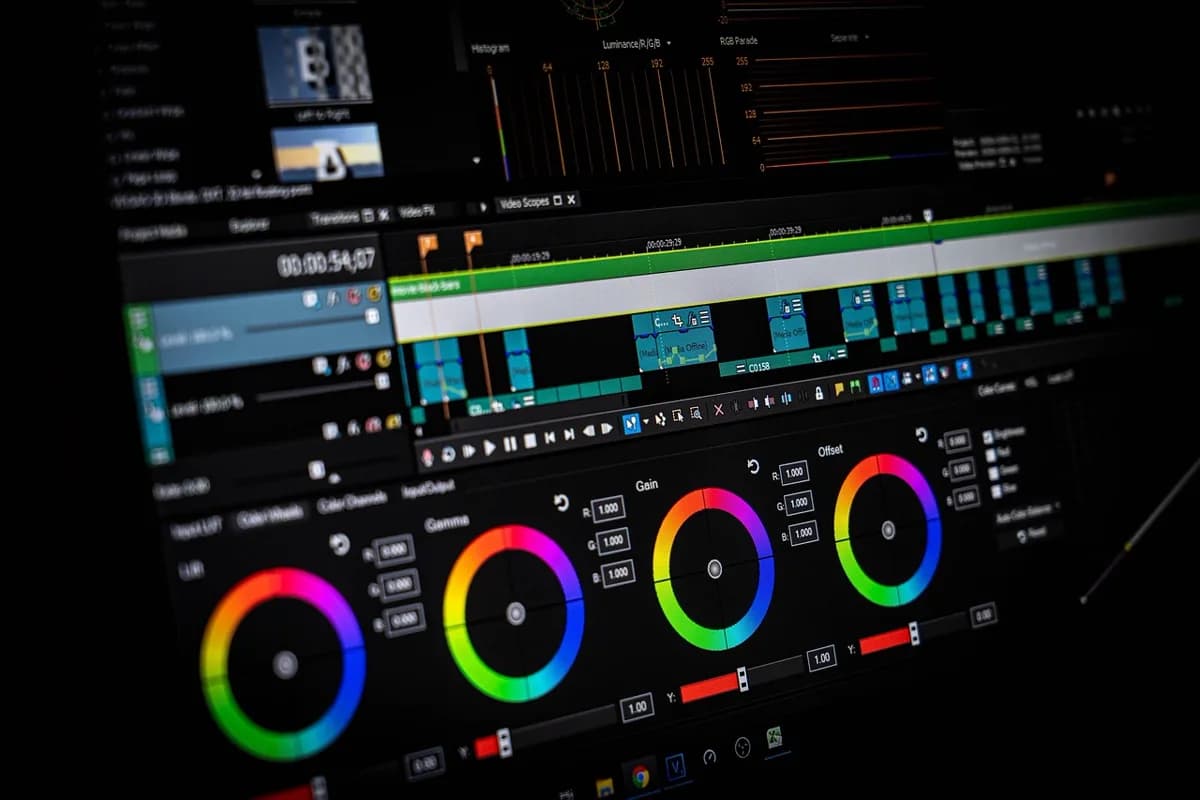
Effective repurposing depends on the right tools and a clear workflow. Use editing software that supports multiple export formats and resolutions so you can create vertical, square, and horizontal versions from one project. Captioning tools help you add subtitles for accessibility and for silent viewing on social. Many creators use a content calendar to plan which repurposed pieces go where and when. Batch similar tasks—for example, export all short clips in one session—to save time. Store source files and project files in an organized way so you can revisit and re-edit later. Platforms like dcast.tv support video hosting and distribution, so you can focus on creation and repurposing rather than technical setup. As your library grows, tag and categorize content so you can quickly find material for new repurposed pieces.
Measuring Repurposing Success
Track performance to see which repurposed formats and platforms drive the most engagement and conversions. Compare views, watch time, shares, and comments across formats. If a particular aspect ratio or length performs well on one platform, try similar treatments elsewhere. Use analytics to decide where to invest more effort and where to cut back. Over time, repurposing becomes more efficient as you build templates and workflows that work for your audience and goals.
Tools and Workflow Tips
Use a video platform that supports multiple outputs and aspect ratios so you can export vertical, square, and horizontal versions from one edit. Batch similar tasks: cut all short clips in one session, then add captions and thumbnails in another. Keep a content calendar that shows both original publish dates and repurposed asset schedules. Automate where possible: scheduled posts, preset export settings, and templates for captions and descriptions save time and keep repurposing sustainable. Start with a few formats and platforms, then expand once your workflow is smooth.
Long-Term Repurposing Strategy
Plan repurposing from the start: when you record a long-form video or webinar, note timestamps for key moments that could become standalone clips, quotes, or graphics. Build a library of evergreen segments you can reuse in future roundups or compilations. Refresh older content periodically by updating intros, adding new examples, or re-cutting for current trends. Align repurposing with your business goals: if lead generation matters, prioritize formats that drive sign-ups; if brand awareness is the focus, lean into shareable short-form. Consistency and a clear system matter more than doing every possible format at once.
Conclusion on Repurposing
Video repurposing multiplies the value of every piece of content you create. By turning long-form videos into clips, quotes, and platform-specific formats, you reach more viewers and reinforce your message without starting from scratch. Focus on a few high-impact formats first, measure what works, and scale your workflow over time. With a clear plan and the right tools, repurposing becomes a sustainable part of your content strategy. Platforms like dcast.tv help you host and deliver both original and repurposed video to your audience. For more on video hosting and distribution, see dcast.tv. With a clear repurposing plan, you can extend the reach of every video you create. Start with a few formats and scale as your workflow becomes routine. For guides and hosting, visit dcast.tv. Consistency and measurement will improve results over time.
Related reading
Keep building with these DCAST guides: the ultimate social media video strategy, how to integrate video into your content strategy, and Instagram video marketing strategies. See DCAST platform features.
Häufig gestellte Fragen
How does repurposing videos benefit businesses?
Repurposing extends the life cycle of your content and reaches wider audiences across multiple platforms from a single recording. It saves production time by reusing existing footage in new formats and contexts instead of creating everything from scratch.
Which formats should I repurpose long videos into?
Turn a long-form video into short vertical clips for Reels, TikTok, and Shorts, an audio version for podcast feeds, quote graphics and carousels for social, and a written blog post or transcript for SEO. One recording can feed a week of multi-channel content.
What tools support video repurposing?
Editing tools such as Adobe Premiere Pro, DaVinci Resolve, and Canva handle cutting, reframing, and formatting, while smartphone apps cover quick clips. Auto-captioning and clipping tools speed up turning long recordings into social-ready segments.
dcast-team
Professional video streaming experts helping creators succeed.
Ähnliche Artikel


Starten Sie noch heute Ihr Video-Business
Schließen Sie sich Tausenden von Creatorn an, die ihre Inhalte mit DCAST monetarisieren.
Kostenlos starten